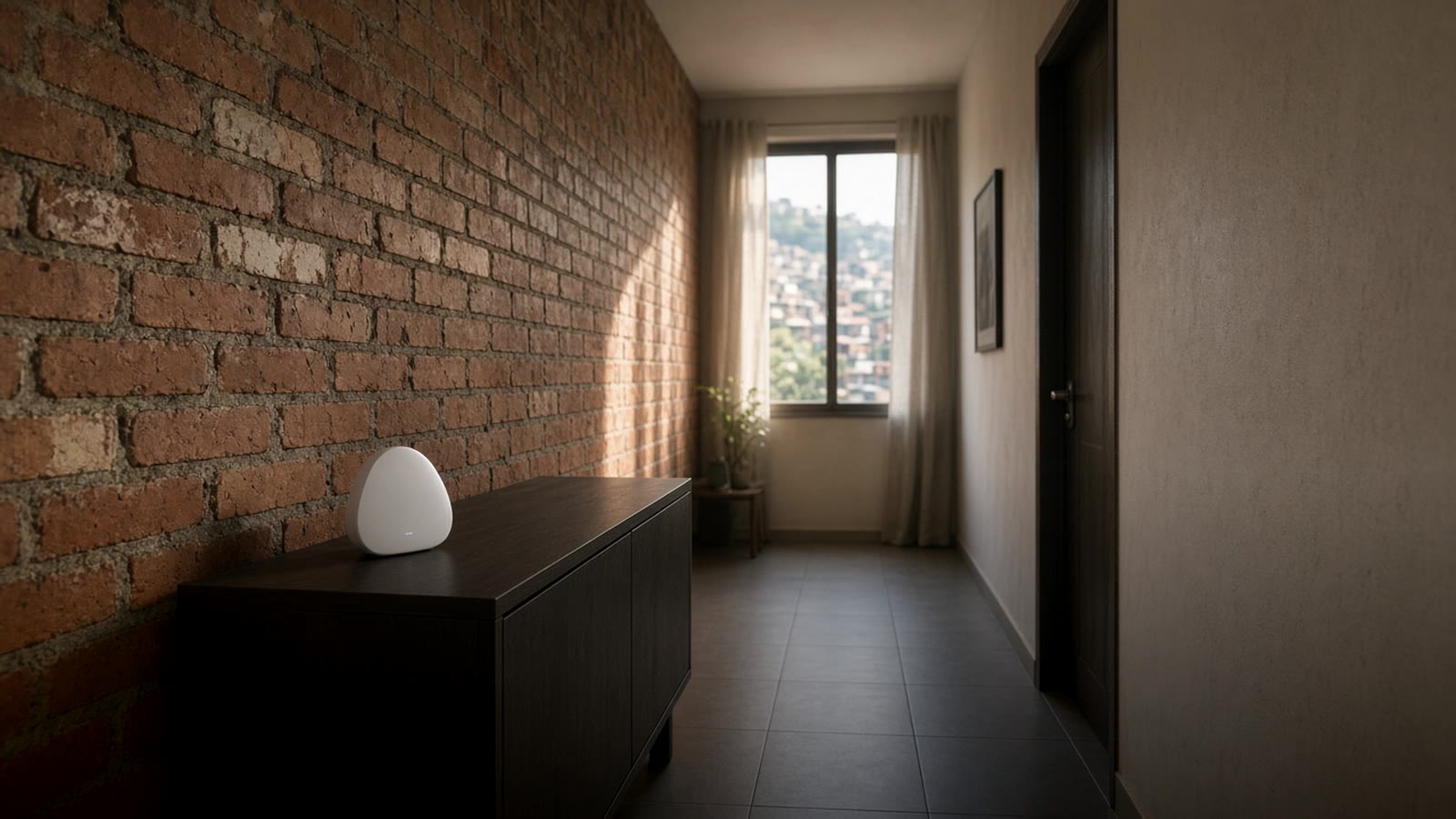
Wi-Fi repeater or mesh network: how to get good signal through the whole house in Medellín
A cheap Wi-Fi repeater can fix one room or make the whole network worse. When a repeater helps, when a mesh network or a wired access point is better, and why this matters in a smart home.
In many Medellín homes Wi-Fi is perfect in the living room and disappears in the back bedroom. The usual reaction is to buy a Wi-Fi repeater, plug it into a hallway outlet, and hope it fixes things. Sometimes it works. Other times the network ends up slower than before.
It is worth understanding what each device does before you buy, especially if the house already has or will have cameras, plugs, bulbs, and other connected gear.
Why Wi-Fi does not reach
The router the ISP leaves (Claro, Tigo, Movistar, or EPM/UNE, depending on the neighborhood) usually sits where the cable came in, which is almost never the center of the house. On top of that comes the city's typical construction: brick walls, concrete slabs between floors, and in some apartments columns and beams right in the signal's path. Concrete and brick slow Wi-Fi a lot, even more on the 5 GHz band.
In a two- or three-story house the problem grows, because each concrete slab is a barrier.
The three options
1. Wi-Fi repeater
A repeater receives the router's signal over the air and rebroadcasts it. It is the easiest option: you plug it into an outlet and set it up from the phone.
The problem is that, to repeat, it uses the same radio to listen to the router and to talk to your devices. On the simplest models that can cut in half the speed that reaches the room. And if you put it where the signal is already bad, it repeats a bad signal.
It works when:
- There is only one room or zone without coverage.
- You can place it halfway, where there is still good signal from the router.
- You will not have many devices connected through it.
2. Mesh network
A mesh system is two or three nodes from the same maker that form one network, with one name and one password. The phone moves from one node to another without you changing networks. Good systems use a dedicated radio to talk between nodes, so they lose less speed than a common repeater.
It is the most practical option for a multi-story house or a large apartment when there is no way to run cable.
3. Wired access point
If there is a network cable (or you can run one through conduit) between the router and the other end of the house, a wired access point is what works best. It does not lose speed on the hop, because the long stretch goes over the cable. Many mesh systems also accept this mode: the nodes connect by cable and Wi-Fi only covers the last stretch.
When we do a full home, we always ask where cable can be run before we talk about devices. A well-placed cable fixes more than any repeater.
Where to put the repeater or the node
- Halfway between the router and the zone without signal, not inside the zone without signal.
- At furniture height or higher, not on the floor or behind the TV.
- Away from the microwave, large mirrors, and tanks or aquariums, which block or bounce the signal.
- In multi-story homes, one node per floor usually works better than two on the same floor.
After you install it, measure. A speed test from the phone in each room tells you whether it improved or only changed the network name.
What this has to do with the smart home
Almost all cheap smart home devices are Wi-Fi and only speak on 2.4 GHz. Some repeaters and routers mix 2.4 and 5 GHz into one network, and certain devices get confused when you set them up. If a smart plug or a smart bulb will not add, separating the bands for a moment usually fixes it.
The other problem is quantity. Twenty or thirty Wi-Fi devices stuck to an ISP router can make the network unstable. That is why we prefer Zigbee or Thread for sensors, switches, and bulbs: they talk among themselves on their own network and do not take space on Wi-Fi. We cover it in Zigbee and Thread at home.
Security cameras do need good Wi-Fi, or better yet cable. A patio camera on a weak repeater is the one that disconnects right when you need it.
When the power goes out
If the router, the repeater, or the nodes turn off in an outage, the home's notifications drop too. A small UPS for the router and the main node keeps the network alive for a while. More detail in power outages and smart homes.
Where to start
- Walk the house with the phone and note in which rooms the signal drops.
- Check whether there is network cable or free conduit between the router and those zones.
- If there is cable, put an access point. If not, a mesh network for large or multi-story homes, and a repeater only for one isolated room.
- Move sensors and bulbs to Zigbee or Thread, and leave Wi-Fi for phones, TVs, and cameras.
If you are building the whole house, the smart home guide for Medellín and Home Assistant in Colombia are good next steps. And the smart home test tells you what makes sense to automate first. For the full picture, see home automation in Medellín.