Smart bulbs: which to buy and which to skip in Medellín
Practical guide to smart bulbs: Wi-Fi, Zigbee or Matter, what happens when the internet drops, the wall-switch problem, and how to choose warm light that does not tire you.
A smart bulb is usually the first thing someone buys for their home. It is cheap, screws into any lamp, and in five minutes you turn it on from the phone. It is also the purchase most people eventually leave in a drawer.
It is not the bulb's fault. The problem is almost always how it connects, who controls it, and what happens when someone uses the wall switch. This guide covers those three points so you buy once, not three times. For the full home picture, start with our home automation in Medellín guide.
Wi-Fi, Zigbee or Matter: the decision that matters
Every smart bulb turns on and off. What separates them is the protocol they speak.
Wi-Fi bulbs
They connect straight to the router. They need nothing else, which is why they are the most common in stores and on Amazon.
The cost shows up later. Each bulb is one more device on your Wi-Fi, and with ten or fifteen the router starts to struggle. Most depend on the maker's cloud: the command leaves the phone, travels to a server in another country, and comes back to your lamp. If the internet drops, or the brand closes its service, the bulb becomes a normal one at best.
They work for a single loose lamp in a room. For a whole house we do not recommend them.
Zigbee bulbs
They talk to a coordinator (a USB dongle or hub) instead of the router. Each mains-powered bulb repeats the signal, so the mesh gets stronger as you add gear. Everything stays inside the house: no trip to the cloud, and the response is instant.
That is what we use in most projects. With Home Assistant as the brain, bulbs from different brands coexist without drama. We explain the network difference in Zigbee and Thread for a smart home.
Matter bulbs
Matter is the standard the big brands agreed on so their gear talks to each other and works locally. A Matter-over-Thread bulb behaves a lot like a Zigbee one. A Matter-over-Wi-Fi bulb still loads the router, but at least it does not depend on a single app.
If you are buying something new today and you do not have a Zigbee coordinator, Matter is a reasonable bet.
The wall-switch problem
This is the number-one reason smart bulbs end up in a drawer.
A smart bulb needs power all the time to hear commands. If someone flips the wall switch off, the bulb loses power and no longer answers the app, voice, or automations. In a home with guests, staff, or kids, that happens every day.
There are three ways out:
- Leave the switch always on and put a wireless control on top or beside it. Cleanest option in rented apartments.
- Swap the switch for a smart one and use normal bulbs. Makes more sense when one key drives several lights. We cover that in smart switches.
- Put a relay inside the box (Shelly is what we use most) that keeps power to the bulb and turns the existing key into a button. The wall looks the same and everything still works.
Short rule: smart bulbs in table and floor lamps; switches or relays for ceiling lights with many bulbs.
Warm light, cool light, and why it matters
Almost every smart bulb changes color. That sells in the store, but day to day what you use most is color temperature: warm at night, more neutral in the morning or kitchen.
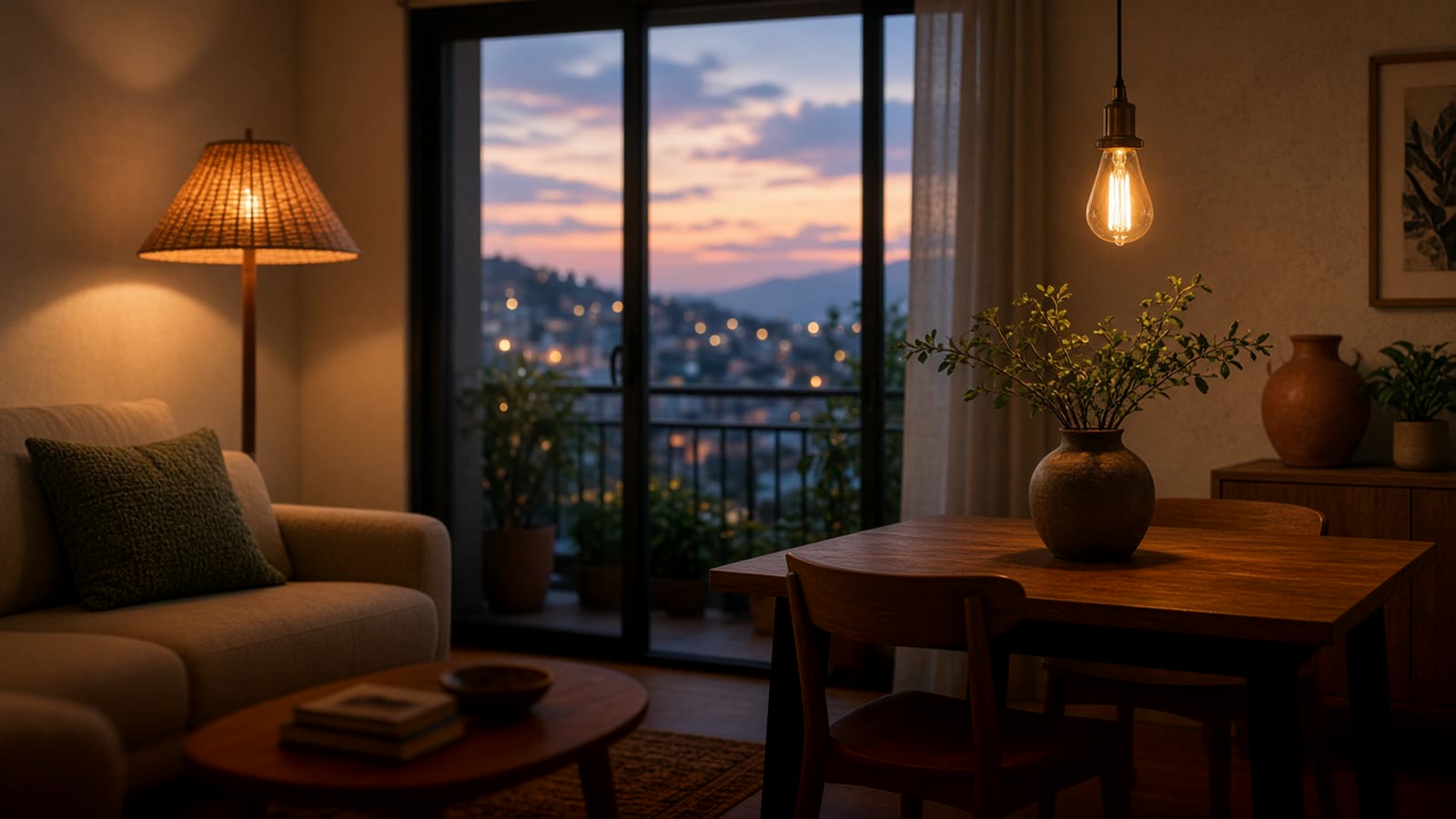
In Medellín many apartments come with cool white light across the ceiling. A home that drops to warm light at dusk feels different without moving a single piece of furniture. We wrote about that in warm lighting in Medellín, and the technical details (lumens, color temperature, CRI) are in the LED lighting technical guide.
When you buy, check that the bulb dims smoothly without flicker and that warm white looks truly warm, not greenish yellow. That is where the cheapest models fail.
What happens when the power goes out
When power returns after an outage, each bulb decides how to start. Some come back on at full brightness, some off, some in their last state. If the cut is at three in the morning and every bulb turns on at once, you notice.
Good Zigbee and Matter bulbs let you configure that behavior. With Home Assistant you can also check the house state when power returns and put everything back. More in power outages and smart homes.
Automations people actually use
Turning a bulb on from the phone gets boring in a week. What makes people keep smart lighting is the house doing it alone:
- Warm, low hallway light when someone gets up at night, with a motion sensor.
- Living-room lamps that dim gradually at dusk.
- Everything off when you leave, with one button at the door or when the last phone leaves the house.
- Bathroom light that turns itself off after a while with no motion.
The sensors that make that possible are in presence, temperature and humidity sensors. For LED strips and effect scenes, see LED effects with WLED and Matter.
What to buy
Our order of preference:
- Zigbee if you already have or will have Home Assistant with a coordinator. Most stable option for a full house.
- Matter if you want something new, local, and compatible with Google Home, Alexa, or Apple Home at the same time.
- Wi-Fi only for a one-off lamp, and preferably a brand that allows local control.
Also check the base. In Colombia E27 is normal, but design lamps and sconces use E14 or GU10. And before you buy abroad, confirm shipping reaches Medellín. Models we have tested are on recommended products.
Where to start
One room with two or three floor or table lamps is a good first step. It lets you see whether warm light and automations change your routine before you touch the ceiling or the switches.
If you want to see what would make sense for the whole home, take the smart home test. It takes a couple of minutes and points you to a starting place.