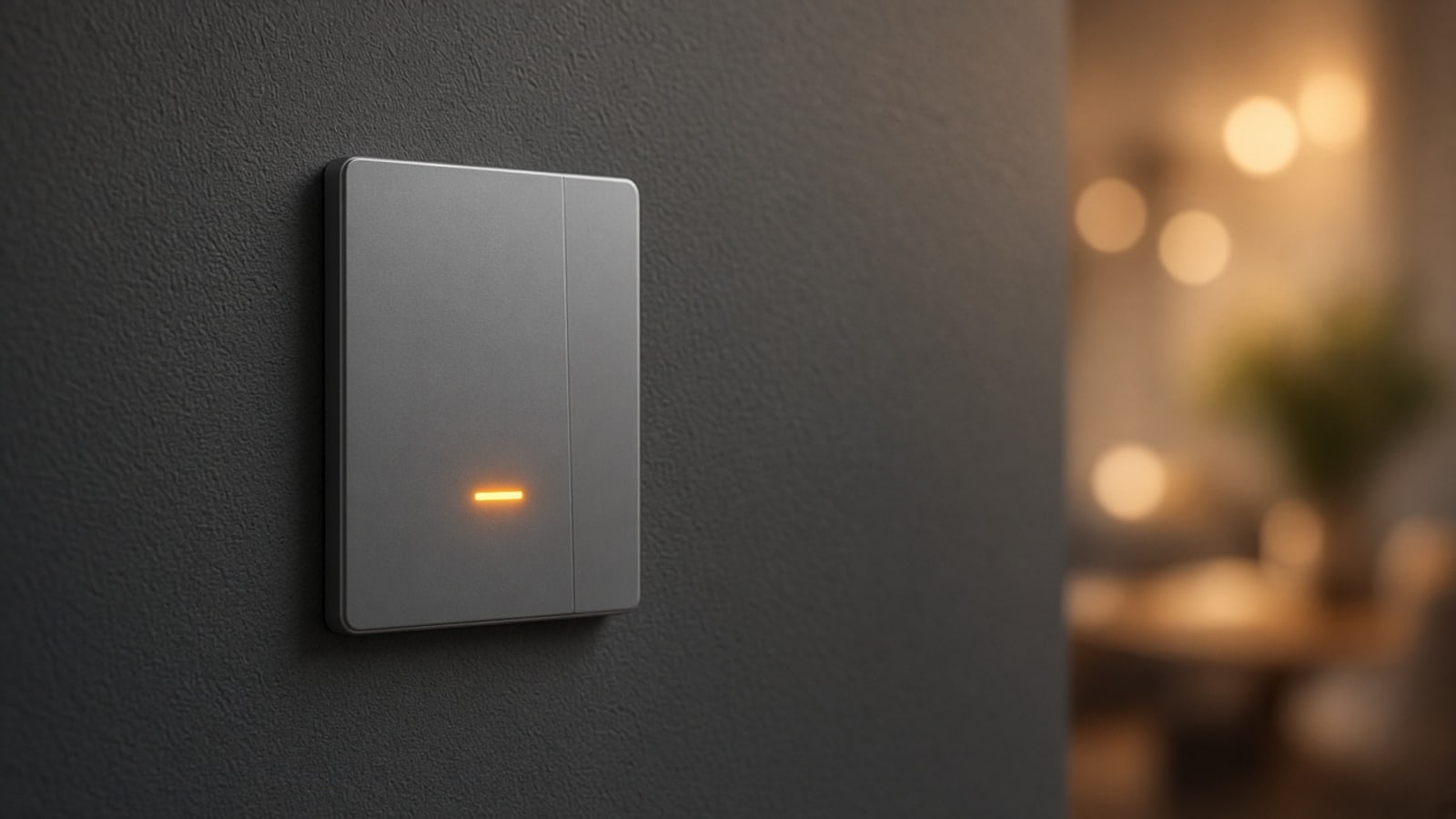
Smart switch: your home's lights, without loose apps
What a smart switch is, how it's installed in a Medellín apartment without rewiring, and why it makes sense to put it on Zigbee instead of depending on Wi‑Fi.
You arrive at your Medellín apartment with your hands full. Before you reach for the phone, you tap the entry switch and the living room, hallway, and a soft kitchen light come on. It isn't magic: it's a well-integrated smart switch—the same one that still works if internet drops or if someone in the house just wants to turn the light off by hand.
A smart switch isn't a Wi‑Fi bulb or another app on the phone. It's the control point you already know, the one on the wall, but connected to the home's logic. This guide explains what changes when you install one, what to look at in an Aburrá Valley building, and how it fits with the rest of the lighting.
What a smart switch is, in practice
The everyday switch opens or closes the circuit: the light turns on or off. A smart switch does the same and, on top of that, talks to the home system. From there you can:
- Turn lights on and off from the app, without standing at the wall.
- Dim, if the circuit and LED allow it.
- Add it to scenes: arrival, dinner, movie, good night.
- Let sensors or schedules activate it without anyone touching anything.
The important part: the wall button still works. The app is an extra, not a toll. In homes with kids, guests, or older adults, that avoids the usual fight of "where's the phone to turn off the light?"
There are two common ways to get there:
- Replace the wall switch with a smart one that fits the same box.
- Keep the current switch and put a relay or module behind it, in the box or in the ceiling fixture, that does the smart work.
Which is better depends on space in the box, load type (LED, strip, multiple points), and whether you want real dimming. That gets decided on the visit, not in the catalog.
Why we don't put it on Wi‑Fi
Many brand switches connect to the router over Wi‑Fi. In a Medellín apartment that usually fails sooner than it looks: concrete walls, several floors, the router in the living room and the switch at the far end of the hallway. Each Wi‑Fi device fights to reach the router on its own.
That's why we prefer switches on Zigbee (or Matter over Thread when the gear has it well sorted). They join the home's mesh network: each mains-powered switch strengthens the signal for nearby sensors. We detail that in the Zigbee and Thread guide.
A practical note: a switch connected to power can repeat the mesh. A battery sensor cannot. If you're going to fill the house with contact or presence sensors, smart switches are part of the network, not only the lighting.
What you can do once it's integrated
Controlling a light from the phone is the most basic use. The value shows up when the switch stops being a loose device.
Scenes that feel like home
An arrival scene turns on the entry and living room at a warm level. A night scene leaves only the hallway at minimum. A movie scene lowers the living-room lights and leaves the TV corner. That gets designed together with warm lighting and, if it applies, with LED effects and scenes.
Lights that react on their own
With a presence sensor in the bathroom or hallway, the switch (or the circuit it controls) turns on when someone is there and off when the room is empty. No fixed schedules that get it wrong.
One place for all the lights
The goal isn't to have one app from the switch maker, another from the bulb, and another from the speaker. It's that every circuit shows up in your app, with the room's real name, and that scenes cross lights, curtains, and climate.
What we look at in a Medellín apartment
Before changing the first switch, we review:
- The box. Some are deep and fit well; others are tight or packed with return wires. Sometimes a module in the ceiling fixture is cleaner than forcing a thick switch.
- Neutral. Certain smart switches need a neutral conductor in the box. If it isn't there, there are alternatives; not every home has it at every point.
- The load. Cheap LEDs sometimes flicker when dimming. If you want dimming, the switch, driver, and lamp have to be compatible at low brightness.
- Multiple points (stair or hallway). When the same light is controlled from two or three switches, the design changes: you respect the three-way logic or replace the set coherently.
- The network. Where the coordinator is, which devices already repeat signal, and whether the switch at the far end of the apartment will be left alone.
In horizontal property you almost never need to touch the façade or common areas. The work is inside your unit, with an electrician when the circuit requires it.
Wall switch, smart bulb, or both
A Wi‑Fi bulb in every lamp solves the phone and complicates the rest: more devices on the network, more apps, and a wall switch that, if you turn it off, leaves the "smart" bulb without power. In most homes we visit we prefer to control the circuit (switch or relay) and leave ordinary lamps or well-chosen LEDs.
Smart bulbs make sense in a table lamp or a one-off point. For the home's general lighting, the switch (or the module behind it) is usually more stable and easier to live with.
How we do it
- We walk the house and list circuits: which you want in scenes, which only on/off, which with dimming.
- We review boxes, neutrals, and the Zigbee or Thread network that already exists.
- We install switches or modules, with the wiring tidy and the wall button always working.
- We name and link each light in your app, with the scenes you actually use.
We keep what already works, add only what's needed, and avoid collections of brands that don't talk to each other. The result is a house that responds to touch and to logic—not a row of icons on the phone.
If you want to see which switches fit your apartment or house in Medellín, book a visit. You can also start with the home automation in Medellín guide for the full picture.