A sensor in every room: presence, temperature, humidity, and light
How a small per-room sensor kit—with mmWave radar for real presence, plus temperature, humidity, and light—lets each room in your Medellín home know if someone is there and how it feels.
An automated home is only as good as what it knows. You can have smart lights, motorized curtains, and a connected air conditioner, but if the house doesn’t know who’s in each room or how that room feels, everything falls back on fixed schedules or you pulling out your phone.
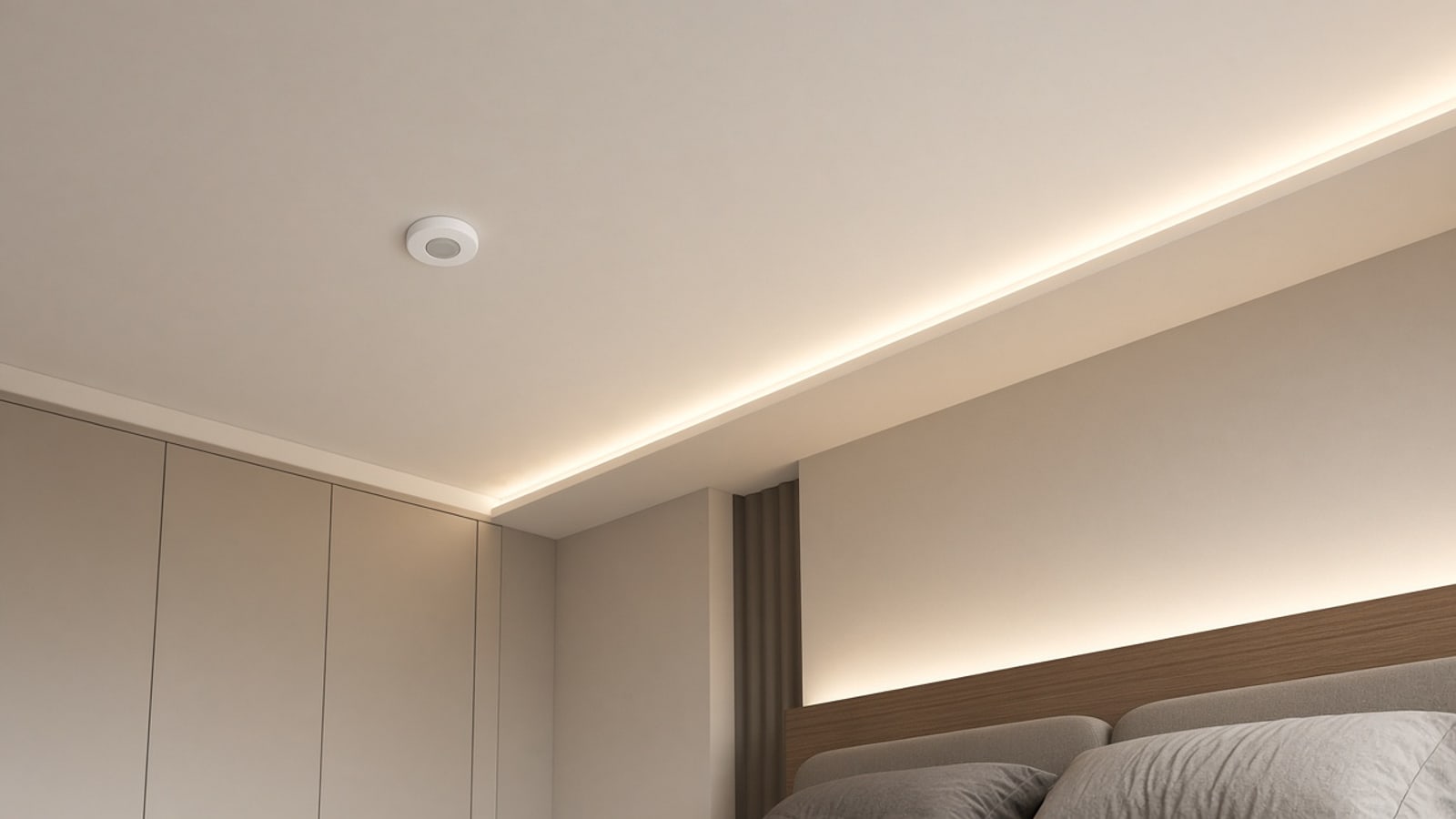
The simplest fix is a small sensor kit in every room. One device about the size of a jar lid that measures four things: whether someone is there, temperature, humidity, and how much light is coming in. With that, each room knows if it’s occupied and what the conditions are, and the rest of the automations stop guessing.
The problem with ordinary motion sensors
Most homes with any automation use PIR motion sensors. They’re the same ones that turn on the hallway light in a building. They work by detecting the heat of a body moving in front of them.
The problem is in the word “moving.” If you sit down to read, work at a computer, or watch a movie, you stay almost still. The PIR stops seeing you and, a few minutes later, turns the light off. You end up waving your arm in the air to bring it back. It’s the most common complaint from anyone who’s tried automatic lights—and the reason many people turn them off.
For a hallway, stair, or entry, PIR works well: people pass through; they don’t stay. For a living room, office, or bedroom, you need something else.
Real presence with mmWave radar
mmWave presence sensors use a very low-power millimeter-wave radar. Instead of looking for big motion, they detect tiny movements—including the breathing of someone sitting or lying down. That’s how they know someone’s in the room even after an hour without moving.
They have their quirks, and it’s worth knowing them before you install:
- The radar goes through thin materials, so poorly placed it can “see” motion on the other side of a light wall or a door.
- A fan, a curtain moving in the wind, or a pet can cause false detections if the sensor points at them.
- Sensitivity and range are adjustable. With a good initial setup, these problems almost disappear.
Many kits combine both: a PIR that reacts quickly when you enter, and an mmWave that confirms you’re still there. The light turns on instantly and doesn’t turn off while you’re in the room.
Temperature, humidity, and light in the same device
The same kit measures room temperature and humidity, and ambient light in lux. Those readings seem minor, but they change a lot of what the house can do.
Measuring temperature in every room—not only at a hallway thermostat—shows that the west-facing bedroom heats up in the afternoon while the living room stays cool. Measuring humidity shows which rooms hold moisture in the air. Measuring light tells the house whether a lamp is actually needed or the sun is already doing the work.
Lights that follow presence and daylight
With real presence and a light sensor in the same spot, the lighting rule becomes simple and reliable:
- If you enter a room and natural light is low, the lights turn on.
- If enough sun is coming through the window, they don’t turn on even if you enter.
- While you’re in the room—even if you’re still—they don’t turn off.
- When the room has been empty for a few minutes, they turn off on their own.
In the evening, as the sun drops, the house can gradually raise brightness to keep the same light level. If you also have warm lighting and scenes, as we explain in the warm lighting guide, the light sensor decides when to shift from the day scene to the night scene without anyone touching a switch.
Air conditioning by room
In many Medellín apartments there are minisplits in some rooms, especially those that catch the afternoon sun. Typically they stay on in empty rooms or turn off while someone is still there.
With a presence and temperature sensor in that room, the AC is managed per room:
- If the room is occupied and the temperature rises above what you chose, the minisplit turns on.
- If the room empties, the AC goes to a maintenance mode or turns off after a while.
- Before bedtime, the house can pre-cool the room so it’s cool when you walk in.
The temperature that matters is the one where you are, measured where you are—not what the unit itself reads near the ceiling. We explain how to connect the minisplit to the house in the smart air conditioning article.
Humidity and mold in rainy seasons
Medellín has two rainy seasons a year, and indoor humidity rises with them. The places that suffer most are those with little ventilation: closets, windowless bathrooms, utility rooms, and walls that face the mountain. That’s where you get musty smells, black spots in corners, and clothes that go bad.
With a humidity sensor in those places, the house can:
- Alert you when a closet stays above a humidity level for several days in a row, before mold appears.
- Turn on the bathroom exhaust automatically when humidity rises after a shower, and turn it off when things return to normal—instead of leaving it on a timer that’s too short or too long.
- Run a dehumidifier on a smart plug only when it’s needed.
- Show you each room’s trend, so you know which needs better ventilation.
In closets and bathrooms where presence isn’t needed, a simple battery temperature-and-humidity sensor is enough. They’re small and last a long time on one cell.
Mains-powered kits and the home network
Battery sensors are convenient because you can stick them anywhere. But mmWave sensors draw more power, so most plug into mains: a wall outlet with a small adapter, a ceiling box, or a 5‑volt supply.
That has an advantage many people don’t know about. When a Zigbee or Thread device is mains-powered, it usually acts as a network repeater. It receives messages from other devices and passes them along. Each kit you put in a room, besides measuring, strengthens the whole-house network. Battery door and window sensors in the next room now have a nearby neighbor to talk through.
That’s why we prefer Zigbee or Thread sensors over Wi‑Fi. A Wi‑Fi device stuck behind furniture has to reach the router, and that’s where failures start. On a mesh network, the more devices, the more paths. We explain it in detail in the Zigbee and Thread article.
Where to place the sensor in each room
Placement changes the result a lot. Some rules we use:
- Height: in a high corner or on the ceiling, looking toward where people sit or lie down—not toward the door.
- Away from direct sun and heat sources: if afternoon sun hits it or it sits above a TV, the temperature it reads won’t be the room’s.
- Away from the AC outlet: if the airflow hits it, it’ll measure the air leaving the unit, not the room.
- No curtains or fans in the radar line: to avoid false detections.
- Light sensor with a view of the room: not tucked behind an object or aimed straight at a lamp.
What changes when every room knows
With a kit in each room, the house stops running on schedules. Lights turn on when you enter and they’re needed, and they don’t turn off while you read. The air conditioner cools the room you’re in, not empty ones. The bathroom exhaust runs itself. The closet warns you before clothes are ruined.
Other possibilities open up too. If nobody is home, everything can go to away mode. If someone gets up at night, a soft hallway light can turn on. And temperature and humidity data, crossed with electricity monitoring, show how much it costs to cool each room.
It’s one of the smallest hardware changes and one of the ones you notice most day to day. One device per room, well placed and on a stable mesh network, and the house starts understanding what’s happening inside.