Zigbee and Thread: the network that makes a smart home reliable
Why Wi‑Fi devices fail inside walls, and how a Zigbee or Matter-over-Thread network with a USB coordinator makes your smart home more stable.
You tap the entry switch and the living room lights up instantly. The bedroom blind drops when it should. The bathroom sensor turns on the light at night without making you wait. None of that is news—and that’s how it should be: a well-automated home feels as reliable as ordinary lights always have.
What almost nobody sees is the network underneath. And that’s exactly where many smart homes fail. A bulb that sometimes doesn’t respond, a sensor that drops every few days, a curtain that obeys on the third try. Almost always the problem isn’t the device. It’s how it talks to the rest of the house.
This guide explains why we prefer Zigbee and Matter over Thread for devices spread around the home, and why all of that depends on one small piece: the USB coordinator plugged into the server.
The problem with Wi‑Fi inside the walls
Many home-automation devices use Wi‑Fi. We also work a lot with the ESP32, a small, inexpensive chip that’s great for reading sensors, driving relays, or controlling a minisplit. On the workbench it works perfectly.
Then you install it inside a switch box, behind furniture, or above a dropped ceiling—and it starts failing.
The reason is simple. On Wi‑Fi, every device has to talk directly to the router. There are no intermediaries. If the router is in the living room and the device is inside a concrete wall at the back of the apartment, the signal has to cross all of that, round trip, every time. In Medellín many buildings have brick and concrete walls, and sometimes a metal box around the device. Each obstacle takes a bite.
Also, every Wi‑Fi device takes a slot on the router. With five you barely notice. With forty, a home router starts struggling, and the same network still has to serve phones, the TV, and video calls.
The result looks like this: a device that works almost always. For a computer that’s fine. For the hallway switch, it isn’t.
How a mesh network works
Zigbee and Thread solve the problem differently. Instead of every device talking straight to a central point, they form a mesh network.
On a mesh, mains-powered devices can relay messages for others. If the bathroom sensor can’t reach the server, it hands the message to the hallway switch, which passes it to the living-room plug, which delivers it to the coordinator. The route builds itself, and if one device goes offline, the network finds another path.
That’s where the most important idea in all of this comes from: on a mesh network, every new mains-powered device strengthens the network. A kitchen switch doesn’t just control the kitchen light. It also brings the signal closer to everything around it. On Wi‑Fi the opposite happens: each new device is more load for the router.
That’s why a home with thirty Zigbee switches and plugs is usually more stable than one with five. Reliability grows with quantity.
An honest nuance: battery devices
Not every device repeats. Battery-powered ones—door sensors, motion sensors, temperature sensors—usually don’t. They spend almost all their time asleep so the battery lasts months or years, and a repeater has to stay awake.
These are called end devices. They connect to a nearby repeater and that’s it. That’s why, when we design a home, we think about where the switches, plugs, and mains modules go—because they form the backbone of the network. Battery sensors lean on that backbone.
Zigbee and Thread: how they’re alike and how they’re not
Both use low-power radios in the 2.4 GHz band, and both form mesh networks. The difference is in how they’re organized.
Zigbee has been on the market for years. There’s a huge selection of switches, sensors, plugs, and modules, many at good prices. It needs a coordinator: a single device that creates and manages the network. At home, that coordinator is the USB dongle on the server.
Thread is newer and IP-based—the same language as the internet. Instead of a single coordinator, it uses one or more border routers that connect the Thread network to the home network. If one fails, another can take over. On top of Thread runs Matter, the standard big brands are pushing so devices work across different systems.
Matter can also run over Wi‑Fi or Ethernet, so “Matter” doesn’t always mean mesh. When we talk about Matter for sensors and switches, we mean Matter over Thread.
One technical clarification worth keeping in mind: Zigbee and Thread share the same radio foundation, but they don’t talk to each other. A Zigbee sensor doesn’t strengthen a Thread network, or the other way around. Each network grows with its own devices.
Why the home needs a USB coordinator
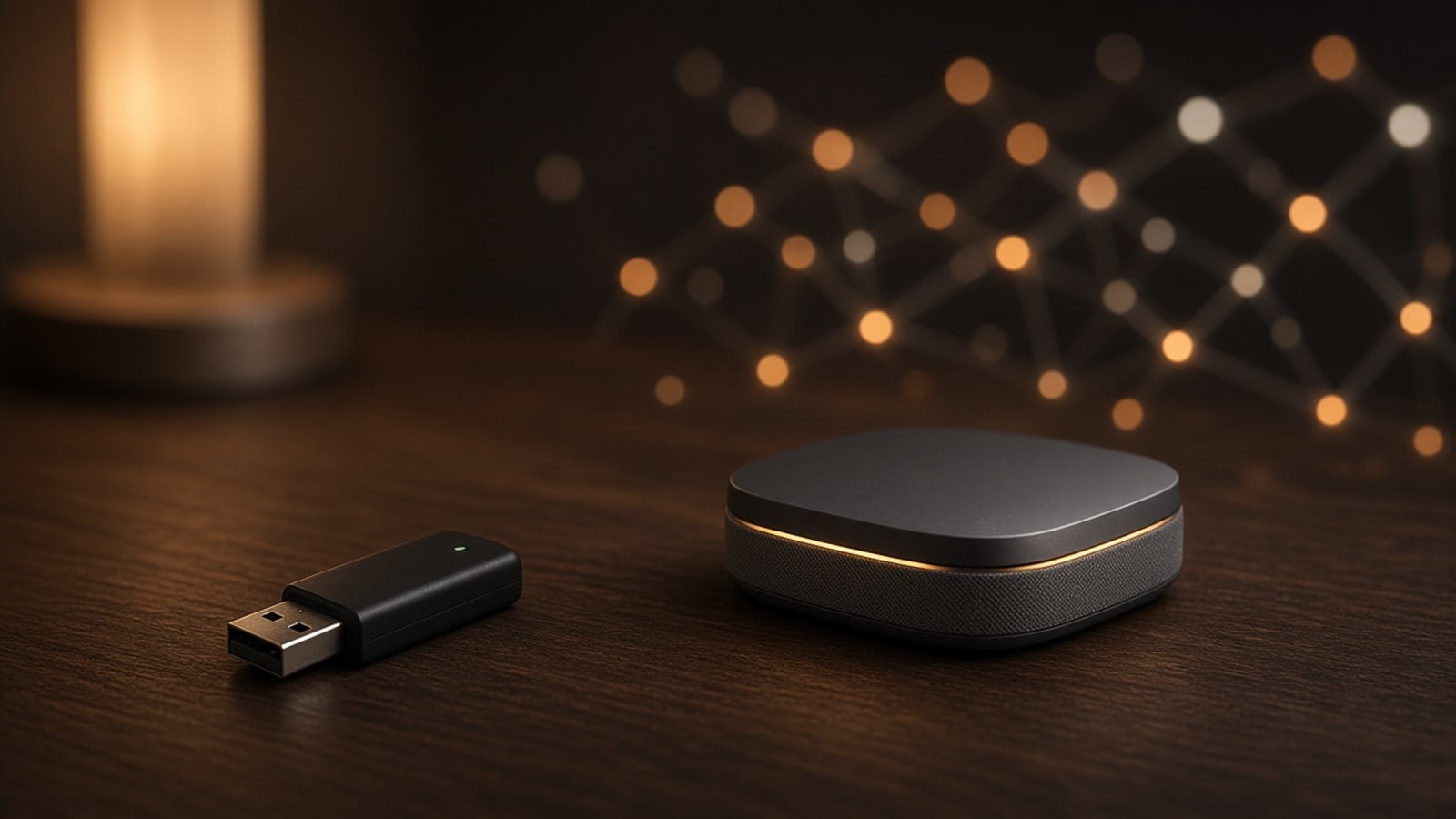
Here’s where the small piece in the photo comes in. The home server—a mini PC or a Mac mini that’s always on—runs the automations and the app. But by itself it has no Zigbee or Thread radio.
The coordinator is a USB dongle with that radio. It plugs into the server and creates the network: it registers each new device, stores the security keys, and translates what happens on the mesh into something the home software understands.
Keeping it on the server, instead of depending on a different hub for each brand, has several advantages:
- One network for everything. Switches, sensors, and curtains from different manufacturers live on the same mesh.
- Everything stays in the house. Commands go from the server to the device without passing through anyone’s cloud. If the internet drops, the house keeps working.
- No subscription. There’s no cloud account to pay so your switch turns on.
- Easier to maintain. If something fails, there’s one place to look.
Some coordinators can handle Zigbee or Thread depending on their firmware. In homes where we want both networks, we normally use one radio for each, because a single radio can’t always serve both stably at once.
A practical detail: the dongle shouldn’t sit flush in the computer’s USB port. USB 3 ports generate interference on 2.4 GHz. With a short extension cable, the coordinator sits away from the machine and the network improves noticeably.
Where the ESP32 fits
None of this means abandoning the ESP32. It’s an excellent chip for custom jobs: reading a curtain remote, driving a minisplit, metering a circuit’s energy.
The key is how it connects. Some chip versions, like the ESP32-C6 and ESP32-H2, include a radio compatible with Zigbee and Thread. That way a custom module inside a wall no longer has to reach the router: it joins the mesh as another neighbor, and if it’s mains-powered, it also helps repeat the signal.
In practice, Wi‑Fi stays for what needs bandwidth—cameras, screens, speakers—and the mesh for everything small that has to respond every time.
How we plan it in your home
We work with what you already have. If your current bulbs or plugs work well, they stay. We check what they speak, which can be integrated, and which are worth replacing because they won’t cooperate.
Then we look at the house as a network:
- Where the server and coordinator go. A central spot, away from metal, with the dongle on an extension.
- Where the repeaters go. Mains switches and plugs distributed so no room is isolated.
- What runs on battery. Sensors that lean on those repeaters.
- What stays on Wi‑Fi. What truly needs speed.
On top of all that goes your app, built for your home, with your rooms and scenes. No third-party accounts and no monthly fee.
The network isn’t visible, and that’s the point. What you notice is that the switch always responds, and that adding a room or a new curtain makes the house more stable instead of more fragile. If you’re thinking about motorizing curtains, this is the next step: in our motorized roller shades guide we explain how they connect to this same network.