Motorized roller shades: three ways to automate the ones you already have
How to motorize the roller shades you already have in Medellín: a tubular motor inside the tube, a bridge for your remote, or direct integration.
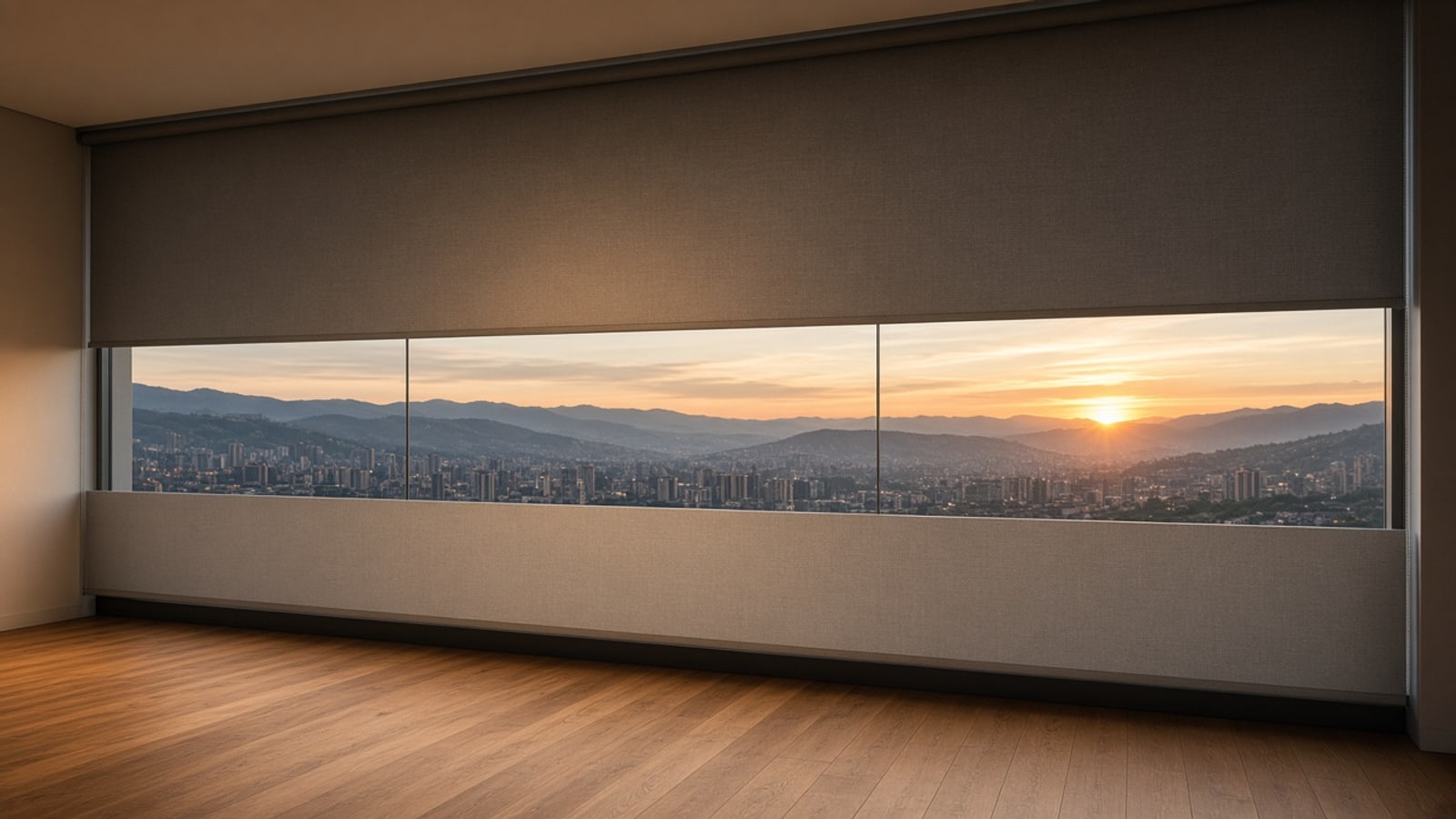
At four in the afternoon, Medellín’s sun hits the window head-on. Before the room heats up, the shades drop to halfway—just enough to cut the glare without losing the view of the mountain. At six they rise again. In the morning they open slowly a few minutes before the alarm, and you wake to light instead of a beep.
Nobody pulled a cord. That is what a home that gets ahead of you feels like.
The good news is you almost never need to replace the shades to get there. Most homes we visit already have roller shades, and some already have motors. This guide covers the three paths we use depending on what we find in your home.
Before you start: what you have today
When we look at the windows, we check for three things:
- Manual roller shades, with a chain or spring.
- Already motorized shades that work with their own remote and nothing else.
- Motorized shades that already speak a protocol, such as Zigbee, Matter, or a wired interface.
Each case has its own path. In all three, the goal is the same: shades that belong to the home, respond to scenes and schedules, and are controlled from your app.
Path 1: a motor inside the tube you already have
Roller shades wrap around an aluminum tube. A tubular motor is a long, slim motor that slides inside that tube. From the outside you do not see it: the shade looks the same, only without the chain.
You have to measure carefully. What decides whether it works:
- The tube’s inner diameter. Motors come in specific diameters and need adapters that match the tube profile.
- The fabric’s width and weight. A three-meter blackout shade needs more torque than a one-meter screen.
- Space in the brackets. The motor takes one end and needs its own bracket.
- Power. There are mains-powered motors that need an outlet nearby, and rechargeable battery motors that help when you cannot run a cable.
When the existing tube will not work, we replace it and keep the fabric, brackets, and housing. The window looks the same as before.
What you should choose carefully is how the motor is controlled. We prefer motors that join the home network, or motors we can drive with our own module. A motor that only obeys its remote takes us to the next case.
Path 2: you already have a motor and a basic remote
This is very common. The shades are already motorized, but they only work with a radio remote, often on 433 MHz. They work, but they know nothing about the rest of the home: they do not drop with the sun or close when you leave.
You do not need to replace the motors. What we build is a bridge.
How the bridge works
The bridge is a small module with an ESP32 and a radio transceiver on your remote’s frequency. The process has three steps:
- We read the codes. With the transceiver we listen to what the remote sends when you press up, down, or stop on each channel.
- We repeat them. The ESP32 learns those codes and can transmit them just like the original remote. To the motor, it is the same remote as always.
- We connect it to the home. The module takes orders from the server and turns them into radio signals for each shade.
An honest caveat: it depends on the motor. Many basic remotes send fixed codes, and those can be read and repeated without trouble. Others use codes that change on every press, or a brand-specific protocol. In those cases the work is different, and sometimes the best option is to replace the motor’s receiver. We always check before we promise anything.
Another limit of these remotes is that they are one-way. The motor gets the command but never reports where it stopped. To know if a shade is open or closed, we estimate position from travel time or add a sensor. That way the app shows real state, not only the last command sent.
Why the bridge does not rely on Wi‑Fi
This is the part that makes the difference. The ESP32 can join Wi‑Fi, but the bridge often ends up hidden—behind a valance, inside a cabinet, or above the ceiling. That is exactly where Wi‑Fi gets flaky, because every device has to reach all the way back to the router.
So we prefer the bridge to join the home over Zigbee or Matter over Thread. We use ESP32 builds with that radio, or a dedicated module beside it. The bridge joins the home’s mesh. If it is on mains power, it also repeats the signal for nearby sensors and devices.
We go deeper in our guide on Zigbee and Thread: on a mesh network, every mains-powered device strengthens the network, and the home gets more reliable as it grows.
One bridge can drive several shades if they are within radio range. In a large apartment we sometimes put two, one per zone.
Path 3: shades that already speak a protocol
Some motorized shades already ship with an open protocol: Zigbee, Matter over Thread, or a wired interface for control systems. This is the most direct case.
If they are Zigbee or Thread, they join the network through the server’s coordinator, like any other device. Many mains Zigbee motors act as repeaters; battery ones usually do not, same as sensors.
If they have a wired interface, we connect a module that translates those commands onto the home network.
If they depend on the manufacturer’s app and cloud, we check whether they expose local control. When they do not, we fall back to path 2 or replace the receiver. We prefer your shades not to depend on someone else’s server to go up and down.
What they can do once connected
With the shades integrated, they stop being a gadget and become part of the room:
- They follow the sun. They drop to mid-height when the sun hits the façade and rise when it passes.
- They wake with you. They open gradually before the alarm.
- They join scenes. In a movie scene they drop with the lights as the projector turns on.
- They help the AC. If the minisplit is on, a closed shade on a sunny window saves it work.
- They suggest presence. When you travel, they open and close on normal schedules.
All from your app, with your rooms and your windows, no monthly fee. And if you prefer the wall button, the button is still there.
How we do it
We start with a visit. We measure tubes, inspect motors, test remotes, and check where power can reach. Then we propose a path for each window. In the same home it is normal to use all three: a new motor in the living room, a bridge for bedroom shades that already had a remote, and direct integration in the study.
We keep what works, add only what is needed, and replace what will not cooperate. In the end the shades move at the right time and the home feels calmer—without you having to think about them.