Home Assistant in Colombia: the local brain of a smart home
What Home Assistant is, why we use it as the base in Medellín homes, what hardware it needs, and how it keeps working when the internet drops.
Most smart homes start the same way: a bulb with one app, then a plug with another, then a camera with a third. A year later you have five apps, none of them talk to each other, and everything depends on each brand's servers staying up.
Home Assistant fixes that. It is open-source software that runs on a small machine inside your house and pulls everything into one place: lights, sensors, locks, AC, blinds, power meters. At Domótica Medellín it is the base of almost every project. This guide covers what it is, what it needs, and why it makes sense in a Medellín home. The full picture is in our home automation in Medellín guide.
What Home Assistant is, without the fluff
It is the brain of the house. Devices report what is happening (a door opened, the bathroom humidity crossed a threshold, the water heater has been on for an hour) and it decides what to do based on the rules you leave it.
Three things set it apart from brand apps:
- It runs in your home. Commands travel on your network, not through a server in another country. If the internet drops, automations keep running.
- It talks to almost everything. It has integrations for thousands of devices and services, and it understands open standards: Zigbee, Matter, Thread, MQTT.
- No owner can shut it off. It is an open project with a large community and frequent updates. If a brand closes its cloud, your gear does not turn into bricks.
Why we use it in Medellín
Internet and power that drop
In Medellín, power cuts and internet outages do not always announce themselves. A cloud-dependent system goes blind right when you need it most. With Home Assistant on a mini PC plugged into a small UPS, the house knows when power returned, checks what was left on, and reports what happened. We cover that in power outages and smart homes.
Gear from different brands
In Colombia you do not always get the same brand for everything. One day the good switch is from one maker and the leak sensor from another. Home Assistant puts them to work together without locking you into a single catalog.
Privacy
Cameras, locks, and presence sensors say a lot about your routine. With a local system, that information stays in the house. If you want to see it from outside, you open a secure path — you do not hand everything to a third party.
What hardware it needs
You do not need a big server. What we usually install:
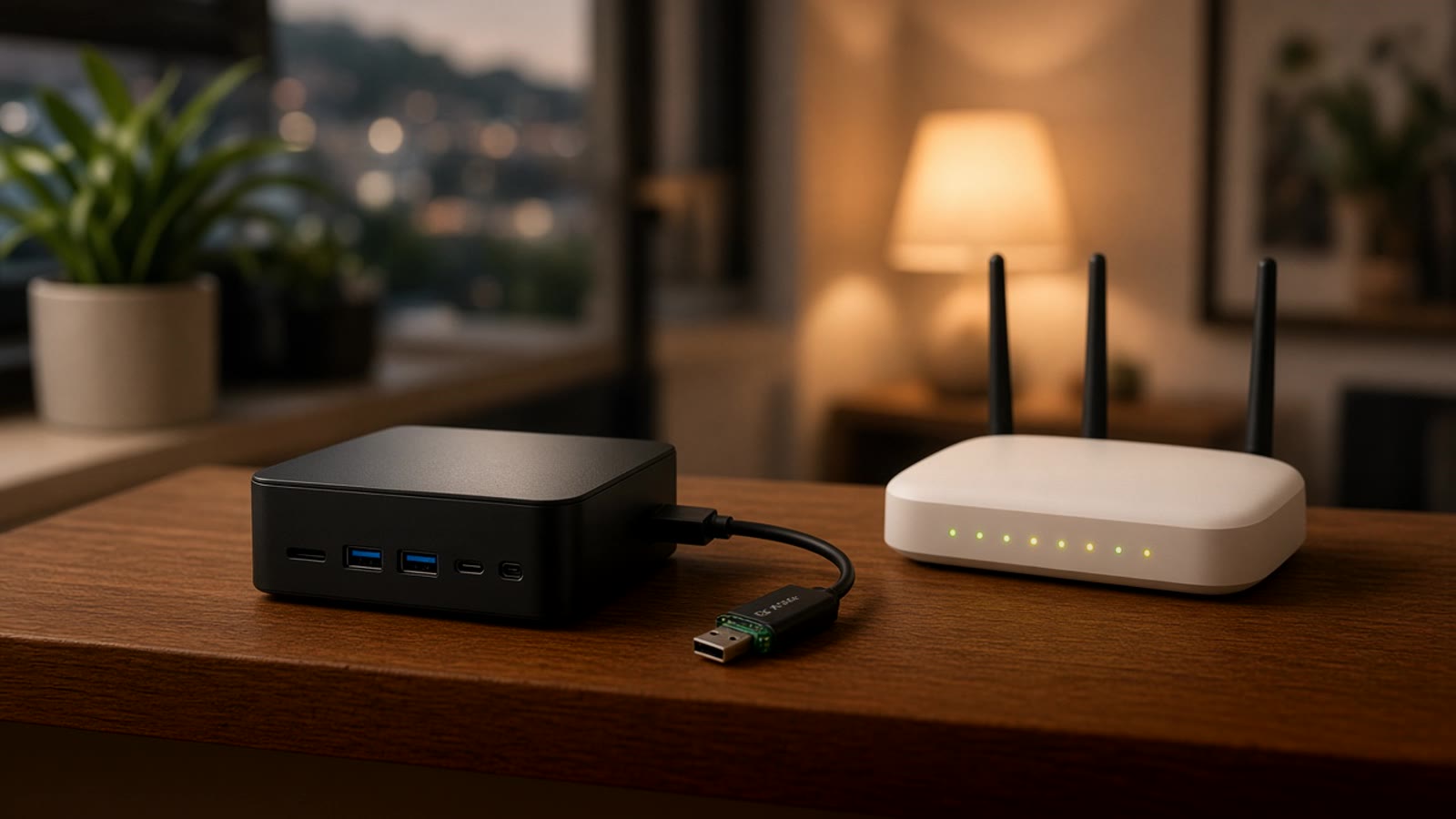
- A dedicated machine. It can be a Home Assistant Green (the project's official box), a mini PC, or a Raspberry Pi. What matters is that it stays on and is hard-wired to the router.
- A Zigbee or Thread radio. The USB coordinator that builds the sensor and switch mesh. It goes on a short extension cable, away from USB 3 ports, to avoid interference. We explain that in Zigbee and Thread.
- Power backup. A small UPS for the server, router, and coordinator. Without it, every outage reboots everything.
- Backups. Home Assistant saves automatic backups. We send them off the machine so a dead drive does not wipe months of setup.
What you can automate
Some of the automations people ask for most in Medellín:
- Water leaks. A sensor under the sink or next to the heater alerts your phone and, if there is a motorized valve, shuts the water. Details in leak detection.
- Doors and windows. Opening sensors that warn if something was left open when you leave or when rain starts. See opening sensors.
- Air conditioning. The mini-split turns off if a window opens or nobody is in the room. How we do it with an ESP32 module in upgrading the mini-split.
- Power use. Per-circuit metering in the panel so you see what is weighing on the EPM bill. See electricity monitoring.
- Arrive and leave scenes. When you leave, everything you do not need turns off and the alarm arms. When you arrive, the entry lights come on.
Which devices to choose so they work with Home Assistant
The short rule: prefer gear that speaks an open standard and works locally.
- Zigbee for sensors, switches, and plugs. There is a lot of supply, and the mesh gets stronger with every mains-powered device.
- Matter for new gear from big brands. It works locally and does not lock you to one app.
- Shelly for relays and metering inside electrical boxes. They have a local API and an official integration.
- ESPHome for custom projects. With an ESP32 and a sensor we solve what no off-the-shelf product does.
We avoid, as main pieces, devices that only work through a brand cloud. They can serve a one-off need, but not the lock or the leak sensor. Our tested list is on recommended products.
If you already use voice, Alexa in Colombia explains how to keep the speaker as a microphone while Home Assistant stays the brain. For bulbs that play nice with that setup, see smart bulbs.
What nobody tells you at the start
Home Assistant is powerful, but it has a curve. Setting it up well takes time: naming every device with order, splitting automations by zone, checking updates before installing them, and testing what happens when the power drops. Plenty of people install it on a weekend, fill it with loose devices, and leave it months later.
If you like tinkering, the community docs are thorough and the UI is available in Spanish. If you prefer the house to just work, that is where we come in: we design the network, install the server, and leave the automations documented so you understand what each one does.
To see what would make sense in your home, take the smart home test. It takes a couple of minutes and points you to a starting place.