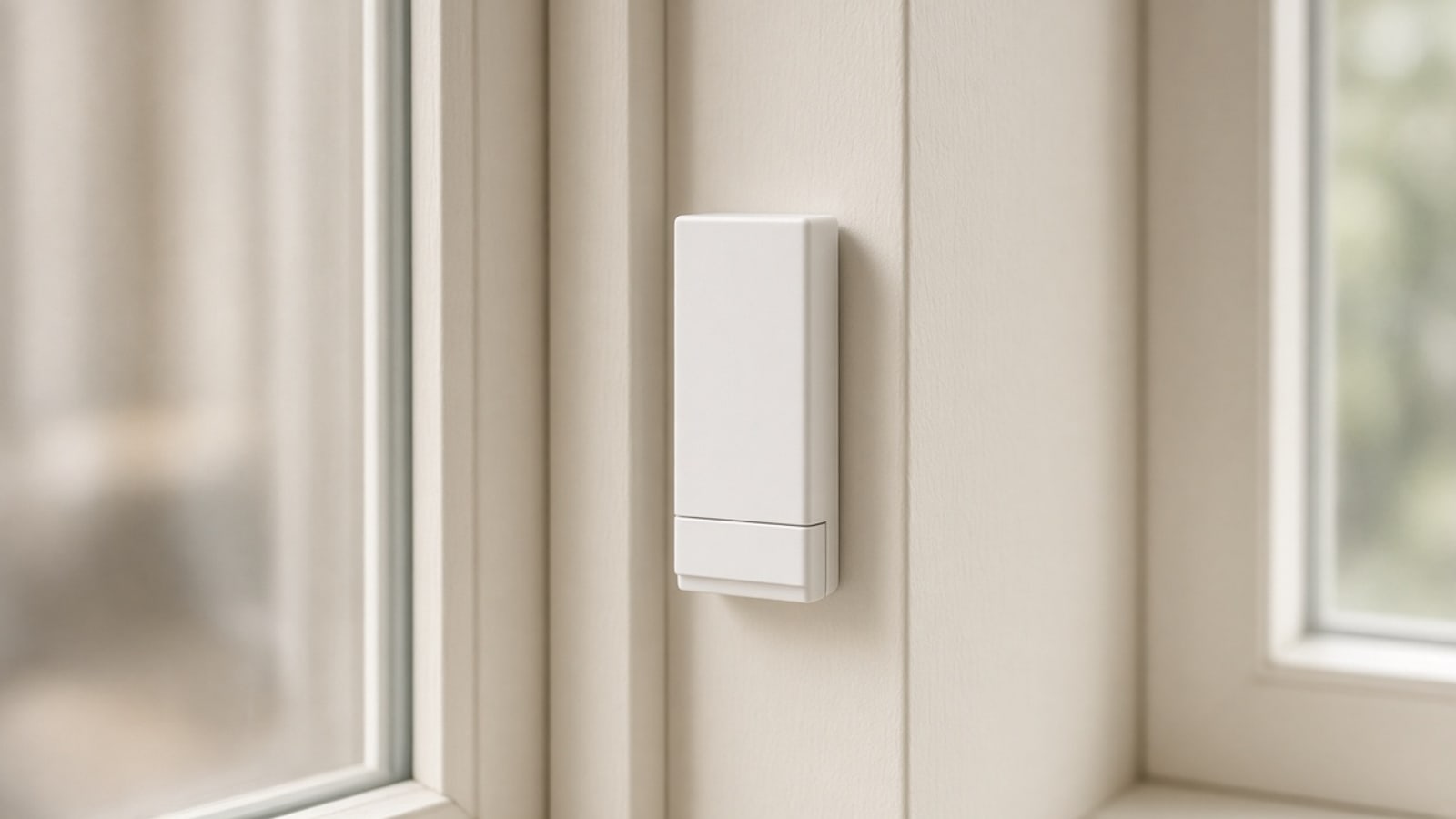
Contact sensors: your home knows what’s open and what’s closed
How contact sensors work for doors, windows, drawers, and closets, what you can automate with them, and where to place them in your Medellín home.
You leave the house, lock the door, and in the elevator the doubt hits: did the study window stay open or not. For most people, answering that means going back. In a home with contact sensors, the answer is already on your phone before you ask.
A contact sensor is one of the simplest devices in home automation. It doesn’t measure temperature or capture images. It only says one thing: open or closed. But when that information exists for every door, window, drawer, and closet, the house starts making decisions that used to depend on your memory.
How a contact sensor works
Inside is a reed switch: a tiny switch in a glass capsule with two metal contacts. When a magnet comes close, the contacts touch and close the circuit. When the magnet moves away, they separate.
The sensor comes in two pieces. The one with the reed switch and battery goes on the frame. The one with the magnet goes on the door, window, or drawer leaf. With everything closed, the two pieces sit a few millimeters apart and the sensor reports “closed.” When you open it, the magnet moves away and the sensor sends “open.”
There are no parts that wear out and nothing to calibrate. That’s why these sensors are cheap, small, and last a long time on a coin cell. They stick with double-sided tape or screw in, and in many cases they fit hidden inside the frame.
Why we put them on Zigbee, not Wi‑Fi
A contact sensor spends almost all its time asleep. It wakes when the state changes, sends a short message, and goes back to sleep. That pattern is what makes a battery last so long, and it fits Zigbee or Thread well—protocols designed for devices like this.
A Wi‑Fi sensor would have to keep a connection to the router and would drain the battery in weeks. It would also have the same problem we explain in the Zigbee and Thread guide: tucked into an aluminum frame, deep in the apartment, the path to the router becomes unreliable.
One thing worth saying clearly. Battery sensors do not repeat mesh traffic. They are end devices: they talk to the nearest router and that’s it. They don’t help the network reach farther. What strengthens the mesh are mains-powered devices—switches, smart plugs, or curtain modules.
In practice that means a closet at the end of a hallway, with a battery sensor, needs a Zigbee switch or plug reasonably nearby. When we plan a home, we check that before sticking the first sensor.
Real uses in a home
Knowing a door is open isn’t very useful by itself. What matters is what the house does with that information.
An open window and the air conditioner
This is the case we see most. Someone opens the bedroom window for the afternoon breeze and the minisplit keeps cooling to the outdoors. With a sensor on that window, the house pauses the AC while it’s open and turns it back on when it closes, at the temperature it had before.
If you’ve already read our smart air conditioning guide, this is one of the first sensors we recommend adding. It’s inexpensive, and the minisplit stops working for nothing.
Closet light
You open the closet and the light inside turns on. You close it and it turns off. No switch to find, no light left on all night. With an LED strip and a contact sensor on the door, an ordinary closet feels like a hotel closet.
The same works in the pantry, under the sink cabinet, or in the utility room where there’s never enough light.
The door left open when you leave
When the house knows you’ve left—because you activated “away” mode or your phone left the network—it checks the state of everything. If the balcony door or a window is open, you get an alert with the exact name: “Study window open.” Not a generic alarm, but something you can act on.
It works the other way too. If the front door opens while “away” mode is active, you get the notification instantly.
The drawer with valuables
A drawer with documents, jewelry, or a backup hard drive can have its own sensor. If it opens when you’re not home, you find out. If it opens when you are, nothing happens. You set the rule in your app.
The same use works for the liquor cabinet when there are kids in the house, or for the medicine cabinet.
Scenes that start on their own
The front door is a good scene trigger. You arrive at night, open it, and the entry and living-room lights come on at a warm level. You open the bathroom door at three in the morning and only a soft floor light turns on—not the ceiling at full blast.
Where to put them
Our recommendation is simple: put them everywhere. Each sensor is small and inexpensive, and the value shows up when the house knows the full picture, not just one door.
A reasonable list for a Medellín apartment:
- Front door and service door. For security and arrival scenes.
- Balcony doors and windows that open. Especially rooms with air conditioning.
- Closets and pantry. For automatic light.
- Important drawers. Documents, valuables, medicine.
- Utility room or garage door. To know if it was left open.
- The fridge or freezer, if you want an alert when they don’t close properly.
With about a dozen sensors, the app can show one screen with everything that’s open right now. And the house can use that same information so it doesn’t cool to the outdoors or so it warns you before you leave.
What to keep in mind when installing them
Magnet distance. Most sensors need the magnet within one or two centimeters when everything is closed. On sliding windows or frames with a lot of play, you have to choose carefully where each piece goes.
Metal. Aluminum frames can weaken the magnet or the radio signal. Sometimes a small spacer is enough, or mounting the sensor on the wood or glass side.
Batteries. They last a long time, but not forever. Your app should show each sensor’s battery level and warn you in advance, so you never discover one was dead right when you needed it.
The network. As we said, battery sensors don’t extend the mesh. If many sensors sit in a zone without mains-powered devices, add a Zigbee plug or switch to act as a repeater.
Aesthetics. Some sensors are very thin; others recess into the frame with a drill bit. In a finished home with good finishes, it’s worth hiding them.
How we do it in your home
We work with what you already have. If there are already sensors from a brand that speaks Zigbee or Matter, we integrate them. If one won’t cooperate, we replace it with one that will.
First we walk the house with you and see what you want to know: which windows actually open, which closets you use daily, which doors worry you when you leave. Then we check the network so each sensor has a repeater nearby. In the end, each one appears in your app with its real name—“Master bedroom window,” not “Sensor 0x4F2A”—and with the rules you want.
That app is yours, built for your home, with no third-party accounts and no subscription. If tomorrow you add a drawer or a new window, it joins the same screen.
A contact sensor doesn’t do anything flashy. What changes is that you stop wondering whether something was left open, because the house already knows and acts before you do. If you want to understand the network that holds all this up, start with our Zigbee and Thread guide.