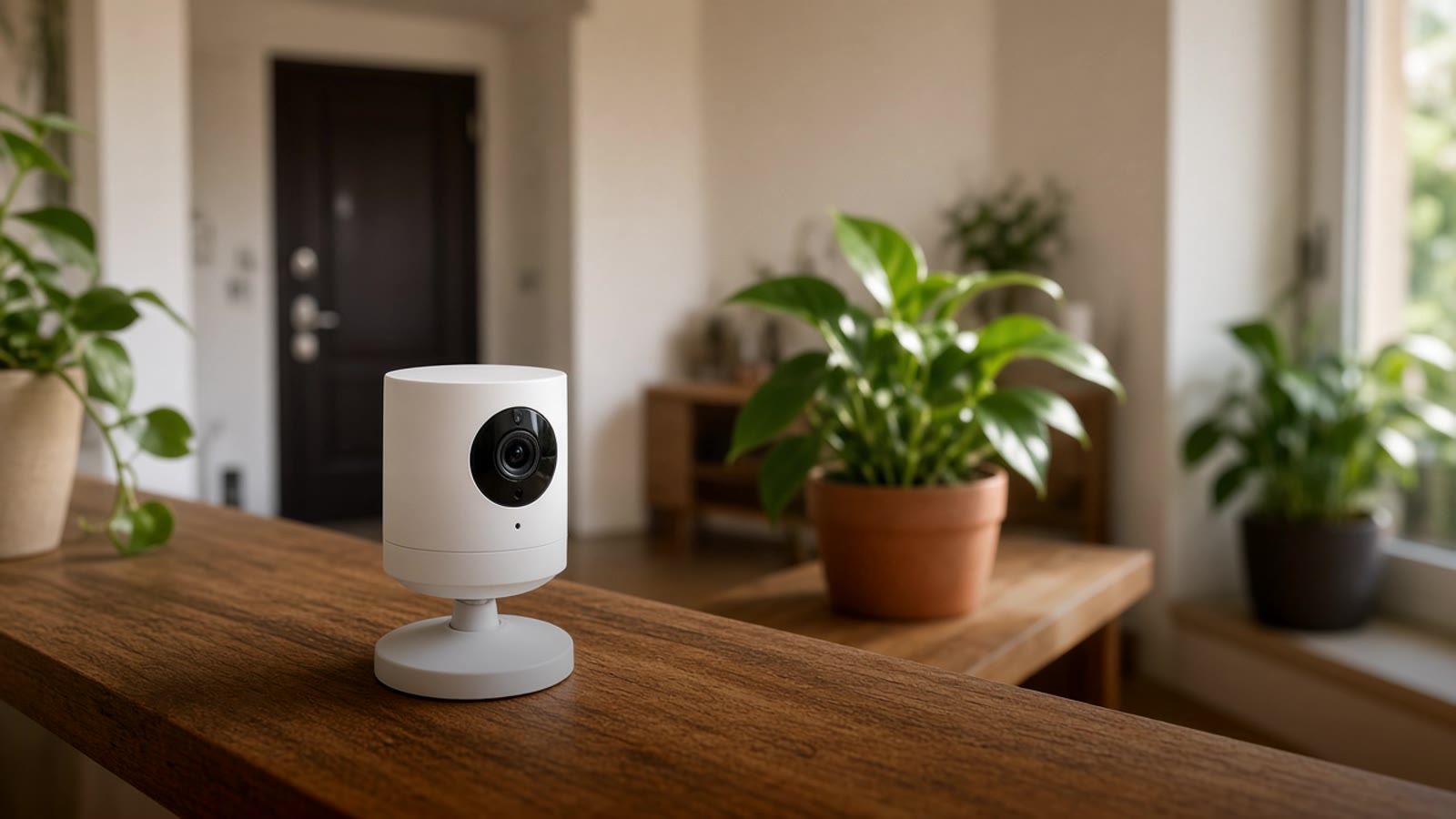
Wi-Fi camera for the home: how to choose one that doesn't depend on the cloud
What to check before buying a Wi-Fi camera for indoor or outdoor use in Medellín (resolution, night vision, microSD, RTSP, 2.4 GHz signal) and how to connect it to Home Assistant.
A Wi-Fi camera is almost always the first camera someone puts in their home. You plug it in, set it up with your phone, and in a few minutes you can see the living room or the door from anywhere. That ease is its advantage and also its trap: many stay tied to the maker's app and cloud, and the day the brand changes the terms, the camera stops doing what you bought it for.
This guide is for choosing one camera, or two or three, and placing them well. If you are thinking about a full system with a recorder and several wired cameras, read home security cameras without cloud or subscription first.
What you want it for
The answer changes which model makes sense:
- Watch the pet or the baby. An indoor camera with pan and tilt (the ones that move side to side and up and down) covers a whole room. Two-way audio lets you talk to the dog or calm the child.
- Watch the apartment door. A fixed camera aimed at the entry from inside already records who comes and goes. To see who is outside before you open, a smart doorbell usually works better.
- Patio, terrace, or garage. Here you need an outdoor camera, rated for water and dust (look for IP65 or higher on the spec sheet), with solid night vision.
- Check the farm or the weekend house. If internet there is unstable, what matters most is that the camera records to a card or local gear you can review later, not only live.
What to look at on the spec sheet
Resolution and lens. More megapixels help you read a face or a plate, but only if the connection can carry the video. For a room or a door you do not need the highest on the market. The lens angle matters more: a very wide one covers more, but it warps the edges and people look farther away.
Night vision. Almost all have infrared, which gives a black-and-white image in the dark. Some have a white light or a sensor that gives color at night. Check real user videos, not the packaging photos.
Where it records. This is the most important question. There are three options:
- Only in the maker's cloud, usually with a monthly plan to see history.
- On a microSD card inside the camera. Free, but if someone steals the camera, they take the recording.
- On gear in your home (an NVR, a mini PC, or the Home Assistant server). That is the most private option and the one that integrates best.
A camera that allows option 2 or 3 without forcing you to pay for option 1 is the one that makes sense.
RTSP or ONVIF. These are the standards that let another program, not the brand app, read the camera's video. If the sheet says it has RTSP or ONVIF, you can connect it to a local recorder or to Home Assistant. If it does not have them, that camera lives forever inside its app.
2.4 or 5 GHz Wi-Fi. Many cameras only use 2.4 GHz. That band reaches farther, but in Medellín buildings, with many neighbor networks, it gets saturated. If the camera goes at the back of the apartment or in the garage, test the signal at that spot with your phone before you install it. In Wi-Fi repeater or mesh network we explain how to fix zones where the signal does not reach.
Where to put it
- Place it high, looking down, and not facing a window. Backlight leaves faces black in daylight, and glass reflects infrared at night.
- Have an outlet nearby. Battery cameras are convenient, but you have to charge them and they usually record only when they detect motion.
- Outdoors, protect the cable connection from rain and do not aim it at the neighbor's house or the street more than you need to.
- Inside the home, think carefully about bedrooms. You almost never need a camera in the main bedroom, and if you put one, it should have a privacy mode that covers the lens when you are home.
Connecting it with Home Assistant
With the brand app you see the camera. With Home Assistant the camera starts working with the rest of the house:
- Record only when nobody is home. When the last phone leaves the house, the indoor cameras turn on. When you arrive, they turn off or turn toward the wall.
- Show the right image. If a door sensor detects that the door opened, you get a notification with the photo from that moment.
- Fewer false alarms. Programs like Frigate, which run on the same server, tell a person from a shadow or a car, and only alert when someone is there.
- Everything on one screen. The cameras sit next to the lights, the AC, and the alarm, in the same app.
Reolink, Amcrest, and Hikvision have good Home Assistant compatibility over RTSP or ONVIF. Tapo, from TP-Link, lets you enable RTSP from its app. Some cameras from brands that use the Tuya or Smart Life app can be integrated, but with more limits; in Tuya and Smart Life with Home Assistant we cover what to expect. Before you buy, look up the exact model in the Home Assistant docs.
Security of the camera itself
A poorly configured camera is an open window into your home. Change the factory password, update the firmware, and do not open ports on the router to view it from outside. For remote access, a VPN into your home or the official Home Assistant app is better. If you have several smart devices, putting them on a guest network or one separate from your work computer also helps.
Before you buy
Confirm that the model is sold in Colombia or has warranty here, that it works on 110 volts, and that the app is available in your app store. If you buy it for outdoors, check that the mount and cable can handle sun and rain all year.
Where to start
Pick the place that worries you most, the door, the patio, or the pet's room, and put one camera there. After a week of use you know whether you need another and where. If you already have several cameras from different brands and want to see them together, start with Home Assistant in Colombia, and if you want to know what to automate first in your home, take the smart home test. For a full-house plan, see home automation in Medellín.