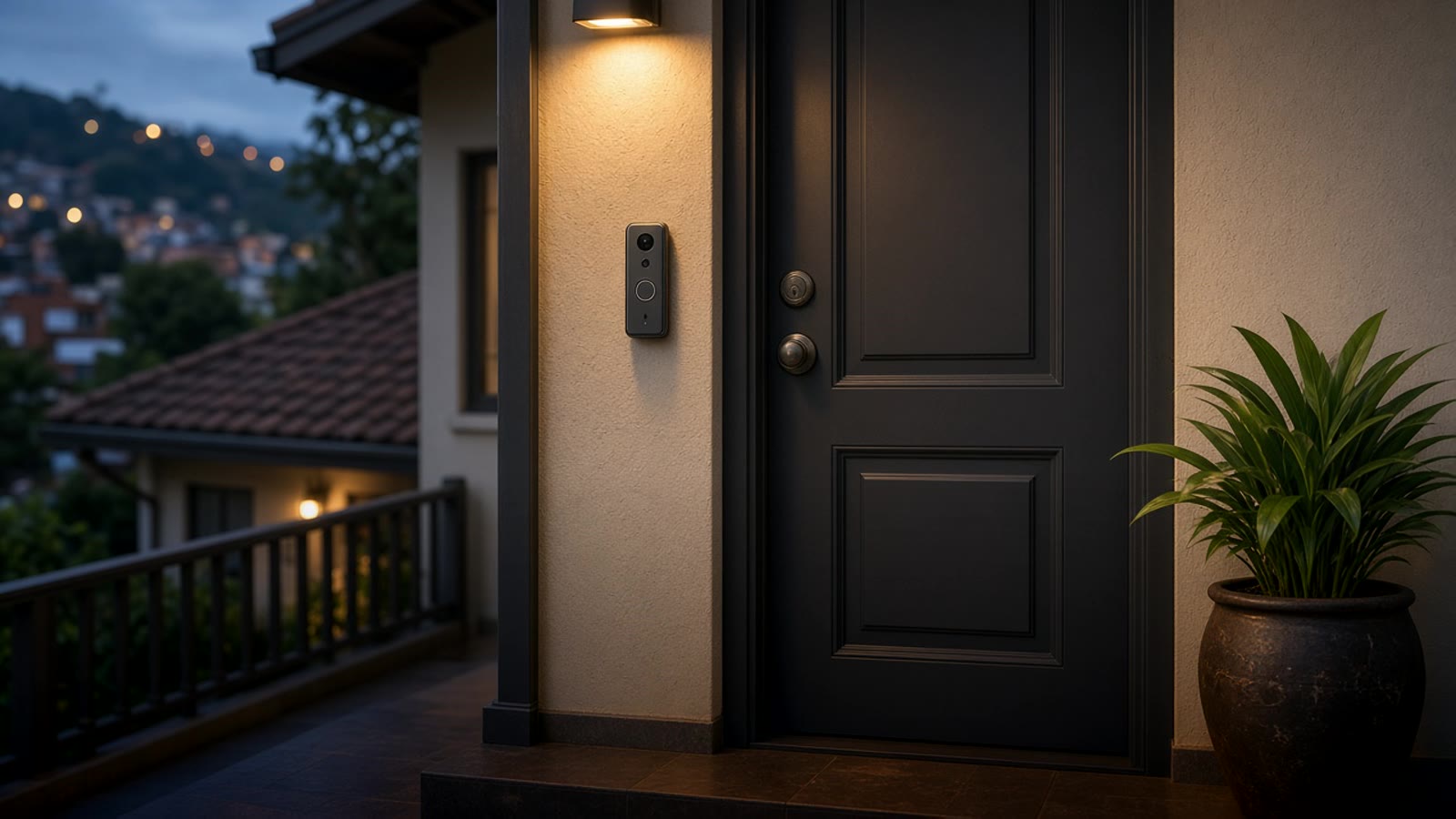
Smart doorbell: how to choose one for a house or apartment in Medellín
What to check before buying a video doorbell: wired or battery, Wi-Fi at the door, local or cloud recording, and how to connect it with the rest of the home.
A smart doorbell does one simple thing: when someone rings, it alerts your phone and lets you see and talk to that person, whether you are in the kitchen or out of town. What changes from model to model is how it is powered, where videos are stored, and how well it gets along with the rest of the home.
This guide walks those points in order. If you want the general picture first, see our home automation in Medellín guide.
First: house or apartment
In Medellín the answer depends a lot on where you live.
In a house, the doorbell is usually at the street door or the gate. There a video doorbell replaces the old chime and lets you see who arrives before you step out.
In an apartment, there is almost always a doorman and an intercom. Visitors do not even reach your door without a call first. In that case the smart doorbell is more useful for deliveries that come straight up, to know if someone rang while you were out, or to keep a record of who enters your floor. Before you install anything in the hallway, check the building rules and talk to management.
Wired or battery
Wired, the doorbell takes power from the old chime wires. No charging, it can record continuously or nearly continuously, and it reacts faster. The catch is that it needs a compatible transformer; if the house has no doorbell wiring at the door, you need a small install.
Battery, it mounts with two screws and does not depend on wires. In return you have to charge it every so often, and to spare the battery it often "sleeps" between rings, so it can take a second to wake and you lose the start of the video.
If you have the wires, wired almost always means fewer headaches.
Wi-Fi signal at the door
This is what fails most in the installs we see. The front door is often far from the router, sometimes behind thick walls or a metal gate. The doorbell connects, but video arrives choppy or the notification is late.
Before you buy, stand at the door with your phone and check how many Wi-Fi bars you have. If the signal is weak, think first about an access point or repeater near the entrance. Most doorbells only join the 2.4 GHz band, which reaches farther than 5 GHz.
Where the videos live
Here is the biggest difference between brands.
- In the maker's cloud. Clips upload to their servers. Convenient, but many brands keep history only if you pay a subscription, and if the internet drops nothing is recorded.
- On local storage or an NVR. The doorbell saves to a microSD card or a recorder inside the house. No monthly fee, and video keeps recording even when the internet drops.
For a Medellín home, where outages still happen, we prefer local. If the doorbell also sits on a small UPS with the router, it keeps working through a short power cut. More in power outages and smart homes.
Talking to the rest of the home
A doorbell that only pushes notifications to its own app is useful, but it falls short. The interesting part starts when it connects to everything else:
- When someone rings, the image appears on the TV or a kitchen screen.
- At night the entry light turns on when it detects someone.
- If nobody is home, the alert reaches everyone in the family.
- You unlock the door from the same alert, if you have a smart lock.
For that, pick a doorbell that integrates with Home Assistant locally, without going through the brand cloud. Before you buy, look up the model in Home Assistant's integration list and check that it has local video streaming. We explain that in Home Assistant in Colombia.
Privacy and neighbors
A video doorbell records everything in front of the door. Adjust the angle and motion zones so it covers your entry and not the neighbor's window or door. Many models let you mask parts of the image in the app.
And if video is stored in the cloud, read what the brand does with those recordings before you turn it on.
Where it fits in home security
The doorbell is the first layer: it tells you who arrives. For the rest of the home you use security cameras, door and window sensors, and an alarm that alerts if something opens when it should not.
If you want to know which mix makes sense for your place, take the smart home test. It takes a couple of minutes and points you to a starting place.