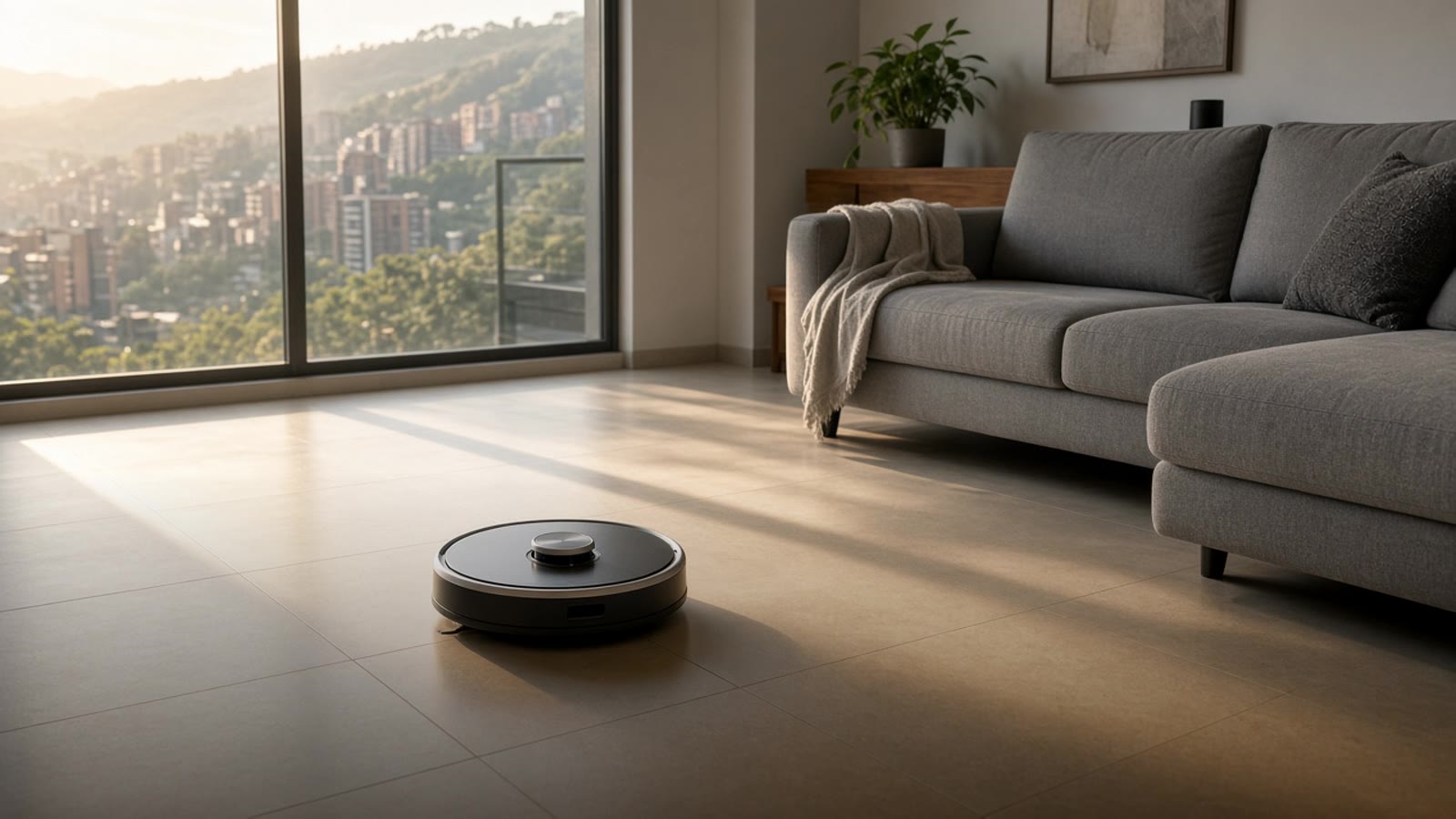
Robot vacuum: how to choose one for your home in Medellín
What to check before buying a robot vacuum (mapping, mopping, self-empty base, pets, duplex) and how to connect it to Home Assistant so it cleans when you are out.
A robot vacuum is one of the smart devices you notice most day to day. It does nothing spectacular: it runs the floor every day and picks up dust and hair before they pile up. In Medellín, with windows open almost year-round, dust comes in fast, and that is exactly what a robot handles well.
This guide explains what sets one robot apart from another, what in your home is worth checking before you buy, and how to integrate it with the rest of the smart home.
What changes most from one robot to another
How it locates itself. The simplest robots wander at random and bounce off furniture. Ones with laser (LiDAR) or a camera build a map of the house, clean in orderly lines, and know where each room is. With the map you can send it only to the kitchen or mark zones it should not enter. If your home has more than two or three spaces, mapping is worth it.
Whether it mops or not. Many robots come with a water tank and a pad. Basic ones drag a damp cloth, which works to take fine dust off porcelain but does not replace a real mop. Higher-end ones have mops that spin or vibrate, and some lift them on their own when they hit a rug.
The base. The simplest base only charges the battery. Others empty the robot's bin into a bag, and the most complete ones also wash and dry the mops and refill the water. A base that empties itself is what lets the robot run for weeks without you touching it.
Obstacles. Cables, socks, and pet stuff are what jam a robot most. Models with camera-based object detection dodge them better.
What to check in your home
- Floors and rugs. On porcelain and wood any robot does well. Long-pile rugs tangle the brushes, and very thin rugs roll up. If you have many rugs, look for a robot that lifts the mop or lets you mark those zones.
- Furniture height. Measure the space under the sofa and the bed. If the robot does not fit, that is exactly where the most dust gathers.
- Thresholds and level changes. Some doors and balconies have a small step. Robots climb low level changes, but not all the same ones.
- Two-story homes or duplexes. The robot does not climb stairs. You can carry it from one floor to the other (ones that map keep several floors) or have one per floor.
- Pets. Hair tangles in bristle brushes. Rubber brushes clean much more easily. And a robot with good obstacle detection avoids the worst accident possible with a pet in the house.
- Wi-Fi. The robot joins the 2.4 GHz network. If the signal is weak in a room, the robot loses the connection and the app stops showing where it is. In Wi-Fi repeater or mesh network we explain how to fix that.
Connecting it with Home Assistant
The maker's app is fine for scheduling cleaning, but the robot does not know what else is going on in the house. With Home Assistant it can decide with more information:
- Clean when you leave. When the last phone leaves the house, the robot starts. When someone returns, it goes back to the base and stays out of the way.
- Skip a day. If someone is working from home or there are guests, cleaning waits.
- Alert when it is stuck. You get a phone notification, or a light turns on, so you can rescue it.
- Clean only where it is needed. After cooking, one button sends the robot only to the kitchen.
- Coordinate with the rest. With a motion sensor or with the lights off you can tell if the house is empty and let it work.
Roborock, Dreame, Ecovacs, Xiaomi, and iRobot have Home Assistant integration, some official and some from the community. Some recent models already work with Matter, which makes the connection simpler. Before you buy, look up the exact model in the Home Assistant docs to confirm which functions it exposes. If the robot uses the Tuya or Smart Life app, read Tuya and Smart Life with Home Assistant first.
Almost all robots depend on the maker's cloud for something, especially the map. If internet drops, they keep cleaning on their schedule, but you cannot always control them from outside.
Before you buy
Confirm that the model is sold in Colombia or has warranty here, and that you can find parts: brushes, filters, mops, and base bags. Those are what wear out most, and the robot loses a lot without them. If you buy it abroad, check that the charger works on 110 volts.
Where to start
Pick the area of the house where the floor gets dirtiest and measure the furniture. With that you already know what kind of robot you need. If you do not have Home Assistant yet, start with Home Assistant in Colombia. And if you want to know what to automate first, take the smart home test. For the full picture, see home automation in Medellín.