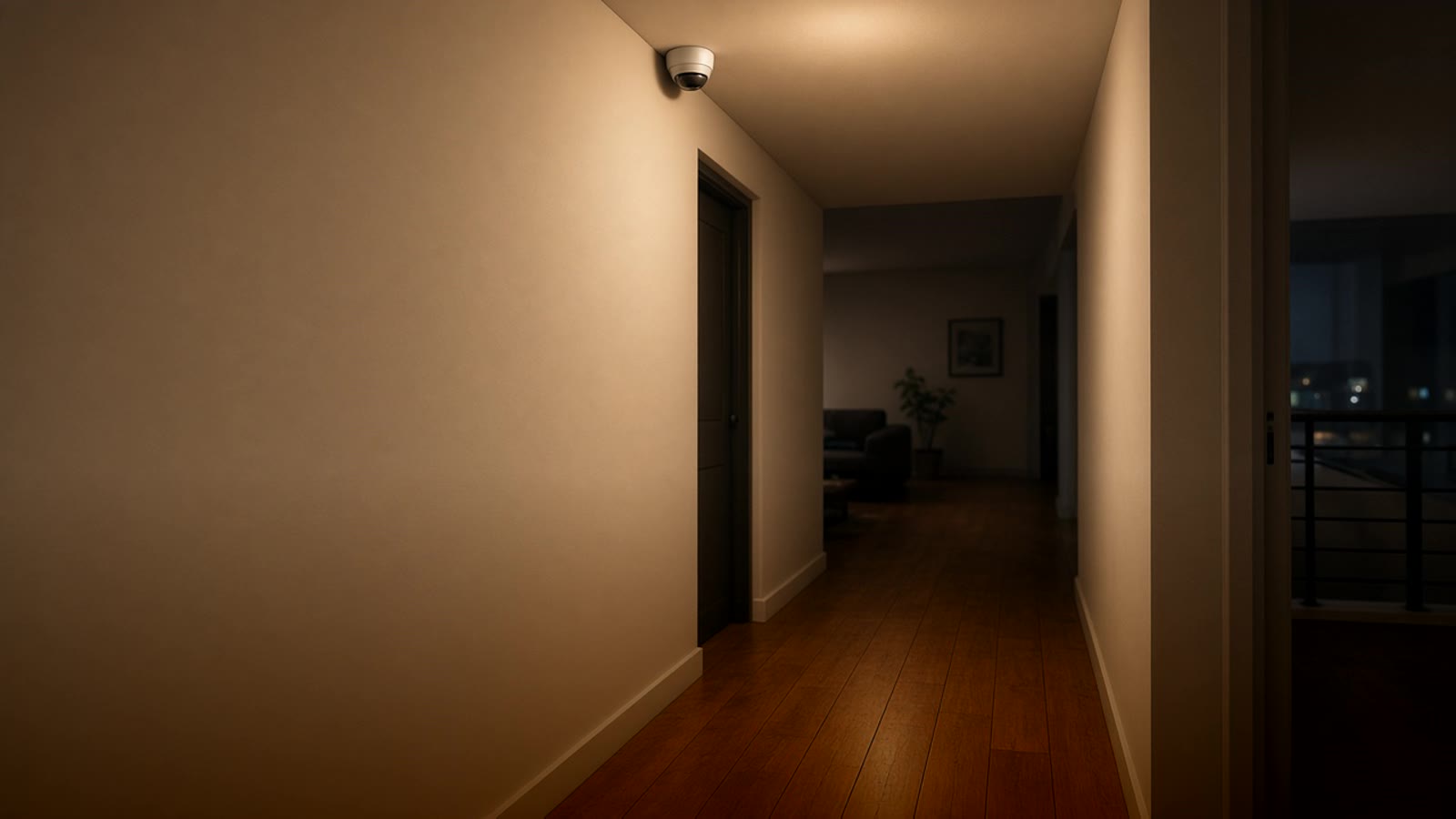
Motion sensor for the home: which to choose and where to put it
What kinds of motion sensor there are (PIR, mmWave presence, Wi-Fi or Zigbee), what each one is for, and where to place them in a Medellín house or apartment so lights and alarms work well.
A motion sensor is what makes a home feel truly smart. The hallway light turns on when you walk by and turns off on its own. The guest bathroom does not leave the bulb on all night. And if you go on a trip, you get an alert when something moves in the living room.
The problem is that not all of them are good for the same job. One that works perfectly in a hallway can be a disaster in an office, where it turns the light off while you are sitting and reading. This guide covers the types available, which suits each space, and where to put them.
The two types that matter: motion and presence
PIR sensor (passive infrared). It is the most common and the cheapest. It detects a person's heat when they change position. It responds fast and the battery lasts a long time. Its limit: if you stay still, it stops seeing you. After a while the automation thinks the room is empty.
mmWave presence sensor (radar). It uses radio waves to notice very small movements, like the breathing of someone sitting. It knows a person is there even if they do not move. It almost always needs to be plugged in, because radar uses more power than a PIR.
A simple rule:
- Passage spaces (hallways, stairs, entry, garage, closet): PIR.
- Places where you stay still (office, TV room, bathroom, kitchen): mmWave presence, or a PIR combined with a presence sensor.
Wi-Fi, Zigbee, or Matter
Wi-Fi. It connects straight to the router and needs nothing else. Fine for one or two sensors. Battery ones often take a moment to react, because Wi-Fi uses a lot of power and the sensor "sleeps" between readings. Many sold in Colombia are Tuya inside and depend on the cloud; we cover that in Tuya and Smart Life with Home Assistant.
Zigbee. This is what we use most. The sensors are small, the battery lasts a long time, they respond almost instantly, and they do not take space on the home's Wi-Fi. They need a Zigbee coordinator (a USB antenna plugged into Home Assistant, or a hub). More detail in Zigbee and Thread at home.
Matter over Thread. It is the new standard. There are already Matter motion sensors, and you add them to Home Assistant, Apple Home, Google Home, or Alexa locally. There are still fewer models to choose from than in Zigbee.
If you plan to put more than three or four sensors, Zigbee or Matter. If it is only one to try, Wi-Fi is fine.
Where to put it
A good sensor poorly placed works worse than a simple one put well. What we have learned installing them:
- In a corner, about two meters high, looking toward where people enter. PIRs detect someone crossing their field of view better than someone walking straight at them.
- Away from windows with direct sun, from the AC, and from fans. Temperature swings and moving air can cause false alarms on a PIR.
- Radar goes through thin walls and doors. An mmWave sensor in the bathroom can "see" someone in the next room. Most let you adjust the distance; it is worth doing.
- Pets count. A dog or cat turns the lights on the same as a person. For alarms, put the sensor higher and aimed upward, or use models that claim to be pet-friendly, and still test before you trust it.
- In bathrooms and kitchens, humidity and steam can affect some models. Put it away from the shower and the stove.
Automations people actually keep
These are the ones we get asked for most and the ones people leave running after the first month:
- Hallway and stair light at night. It turns on at 20 or 30 percent after a certain hour, so it does not blind anyone, and turns off on its own after a minute. It works very well with smart bulbs or with a relay behind the switch.
- Bathroom and closet. Light that turns on when you enter and off when nobody is there. This is where the presence sensor keeps you from sitting in the dark.
- Home office. If the presence sensor notices nobody for a while, it turns off lights, AC, and screens.
- Alert when the house is empty. If everyone left and there is motion in the living room, a notification reaches the phone. It is not a professional alarm system, but for an apartment it is a good first step.
- Entry. When you open the door at night, the foyer lights turn on.
One tip: always leave the wall switch working. If the sensor fails or the battery dies, nobody should be stuck unable to turn the light on.
What happens when power or internet drops
With Zigbee or Matter and Home Assistant in the house, the sensors keep working even if internet drops, because everything runs on the local network. With Wi-Fi sensors that depend on the cloud, they do not. And if the power goes out, battery sensors stay alive, but the plugged-in radar turns off until power returns. In power outages and smart homes we explain how to leave the important gear on a UPS.
Where to start
Start with one place: the hallway or the guest bathroom. Put a sensor, build one automation, and use it for a week. That is when you learn what off delay works for you and where it sits best. After that it is easy to continue with the rest of the house.
If you already have Home Assistant, any Zigbee or Matter sensor adds in minutes. If you do not yet, start with Home Assistant in Colombia. And if you want to know what to automate first in your home, take the smart home test. For the full picture, see home automation in Medellín.