Home access control: who gets in, when, and how you know
A residential access control guide for homes and apartments in Medellín: keypads, cards, fingerprint, temporary codes, garage gates with a relay, intercoms, and logs—all wired into Home Assistant.
Access control sounds like an office building: turnstiles, badges, and a guard watching screens. At home it’s simpler. It’s about deciding who can enter, on what schedule, and knowing when someone comes in.
In Medellín that question comes up often. The person who helps with cleaning arrives on Tuesdays, the dog walker passes at midday, a relative stays a few weeks, and the internet technician needs to come in for one day. Copying keys for everyone doesn’t scale, and collecting them afterward doesn’t either.
This guide covers the pieces of residential access control and how they fit together. If what you need is choosing the lock for the main door, start with our smart lock in Medellín guide.
The three questions of any access control system
Before looking at hardware, it’s worth answering this:
- Who enters. People who live there, trusted people with a fixed schedule, one-day visitors.
- Where they enter. Main door, garage gate, patio door, the unit’s outer gate.
- What you want to know. Only that it opened, or also who opened it and at what time.
With that clear, you choose the entry method for each person and each door. It’s almost never just one.
Entry methods and who each one is for
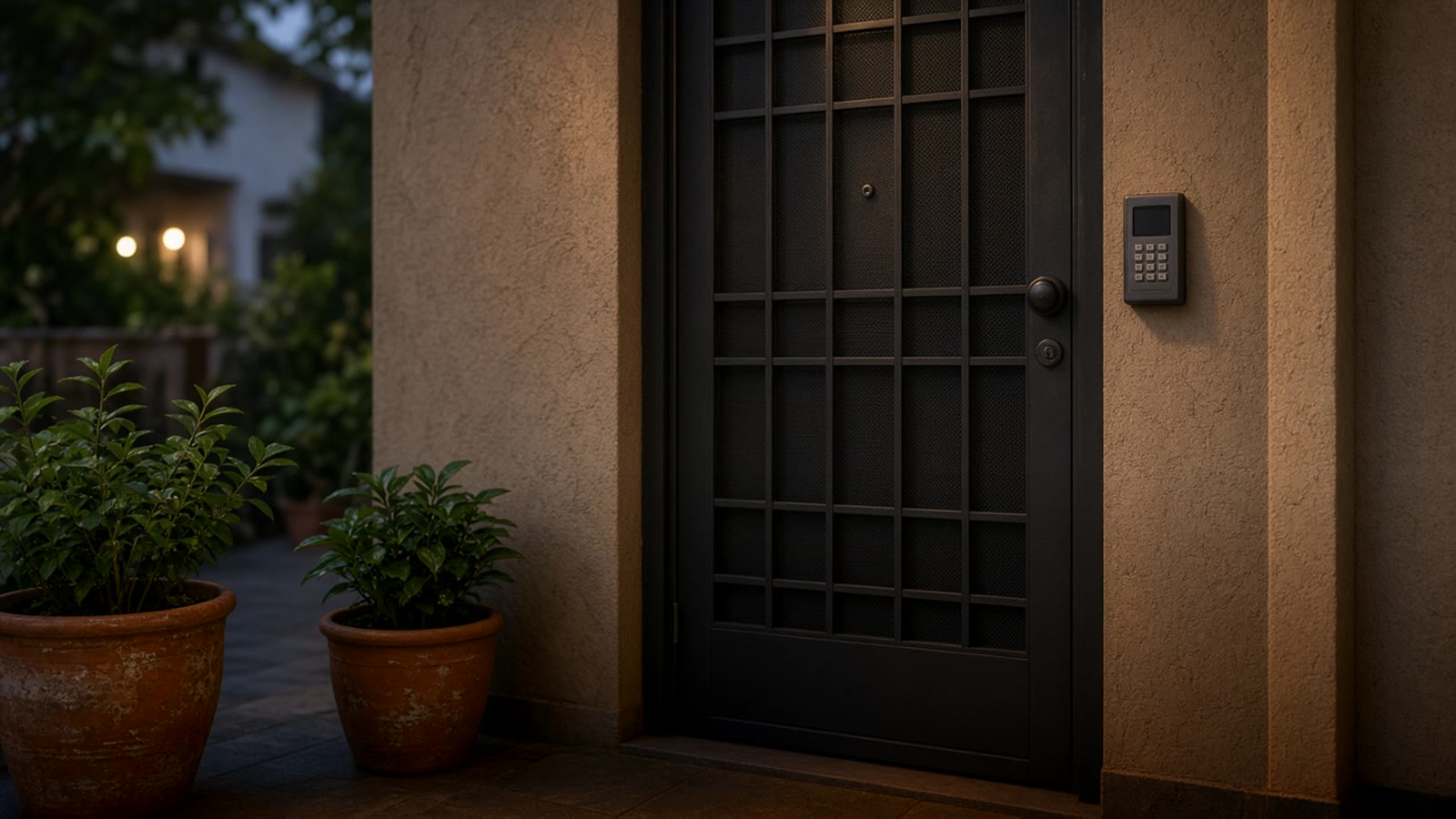
- Numeric code. Useful for people with a fixed schedule. Each person gets their own code, so the log shows who entered. If someone stops coming, you delete their code and you’re done.
- Temporary code. For visitors or technicians. You create it with a start and end date and time, and it stops working on its own.
- RFID card or fob. Practical for kids or older adults who don’t want to memorize numbers. It can get lost like a key, but you deactivate it from the app without changing anything on the door.
- Fingerprint. Convenient for people who live there. It doesn’t work for visitors, and some readers fail with wet fingers or with older adults’ hands.
- Face recognition. Fast, but it stores biometric data. In Colombia, Law 1581 of 2012 treats that data as sensitive, so if you use it with people who work in your home, get their written authorization.
- The phone. Opening from the app is useful for letting someone in when you’re away. It shouldn’t be the only method, because it depends on the phone’s battery and signal.
Garage gates and electric doors
Many gates and garage doors in Medellín homes already have a motor with a remote. You don’t need to replace the motor to connect them. Most have an input for a wall button, and a small relay can do the same job as that button.
A Shelly relay wired to that input lets you open from the phone, from a keypad, or with an automation. Add an open/close sensor on the gate and Home Assistant knows whether it was left open or closed, and can notify you if it’s been open for ten minutes. In door and window open sensors we explain how to choose them.
One important detail: the motor must have a working obstacle sensor before you automate any closing. If it doesn’t have one or it doesn’t respond, leave closing in manual mode only.
Apartments: intercom and front desk
In an apartment the building door isn’t yours. The front desk decides who goes up, and almost always calls the intercom or your phone to confirm. There, access control shrinks to your door and how you handle those calls.
What you can do:
- Put a lock with codes on the apartment door, as long as building management has no rules about the facade or door type.
- If the intercom is analog, some models can connect to a module that forwards the call to your phone. This depends a lot on the equipment installed in the building, so it has to be checked on site.
- Use a smart doorbell on the apartment door to see who reached your floor.
Before touching any shared equipment, ask building management. What’s inside the apartment is yours; what’s in the building isn’t.
The log: the part you use most
The most useful part of access control isn’t opening the door. It’s knowing what happened. A good system stores every opening with the method used and the time: “Marta’s code, Tuesday 8:04 a.m.”, “gate opened from the app, 6:30 p.m.”
With Home Assistant that log becomes automations:
- If the cleaning person enters with their code, the living-room alarm turns off and the indoor cameras pause while they’re there.
- If the door opens between midnight and 5 a.m. and nobody from the home is on the network, a notification hits your phone.
- If the gate opens when nobody is home, the entry light turns on and the camera records.
Cameras and the alarm complete the system. See home security cameras and home alarm if you want them together.
What happens when power or internet drops
Design this from the start. Some rules we use:
- Locks must open on batteries and have a mechanical key backup.
- The keypad and lock must work without internet. Codes live on the device, not only in the cloud.
- The Home Assistant controller and the router sit on a small UPS, so logs keep arriving during a short outage. In power outages in Medellín we explain how to prepare the home.
- An electric gate without power won’t open by relay. Confirm it has a manual release and that someone in the home knows how to use it.
Where to start
Start with the door that’s used most and the person who enters most often without you. Give them their own code, review the log for a week, then decide whether the gate or more doors are worth adding. If you’re not sure what to automate first, take the smart home quiz, and if you want everything in one local system, see Home Assistant in Colombia. The full-home picture is in home automation in Medellín.