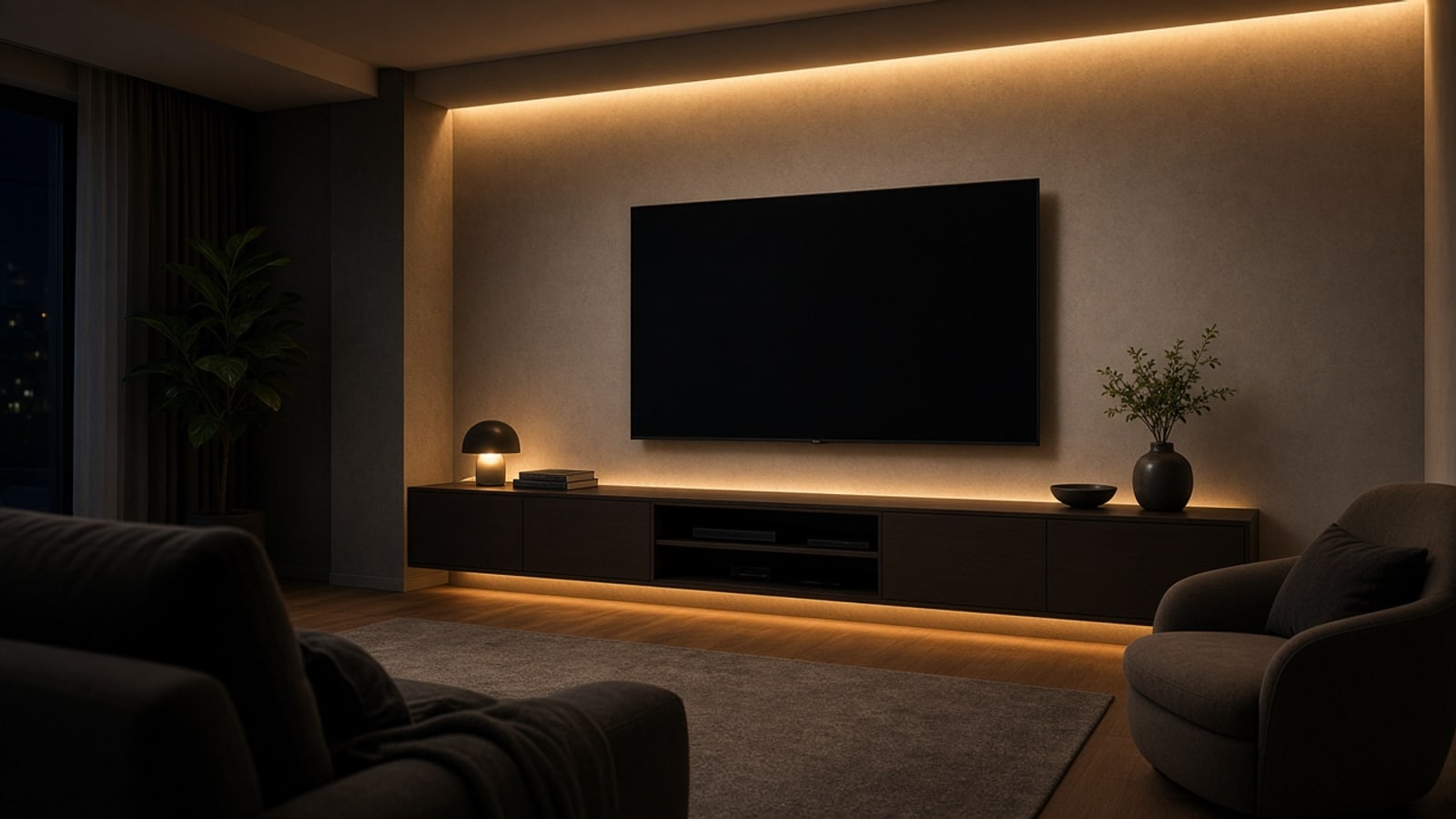
Home media center: one server, your screen, and a single app
How to build a home media center in Medellín with a Mac mini or a NUC, your TV or projector, the sound you already have, and your own app — no subscription.
It's eight at night. You open the app on your phone and tap Netflix. The blind lowers on its own, the projector turns on, the soundbar connects, and the show picks up at the episode where you left off. Nobody hunted for three remotes or waited for something to load. When the intro appears, it skips.
That's what a well-built media center feels like. The technology stays hidden in a cabinet; all you notice is that the evening starts when you want it to.
This guide explains how we put one together in a Medellín house or apartment: which machine acts as the brain, how it connects to your TV or projector, and how the app that controls it all works.
The idea: a computer dedicated to the living room
Almost every living room has the same problem. The TV has its own system, the projector its remote, the soundbar another, and every streaming app behaves differently on each device. The result is five remotes on the table and one person in the house who is the only one who knows how to turn it all on.
Our answer is a small computer, always on, connected by HDMI to the main screen. That machine is the home's media server. It opens the apps, handles volume, knows whether the projector is on, and talks to the rest of the home automation.
For that role we recommend two options:
- A Mac mini. Our first choice. Quiet, low power, fits on any shelf, and lasts for years.
- A NUC or mini PC. Equally compact and works very well with Linux. The option when the house already has one, or when availability favors it.
The system we run today lives on a mini PC with Linux, and it's written so the hardware is interchangeable. What matters is one computer in charge of the screen, instead of every device deciding on its own.
What you already have stays
You don't need to replace the TV or projector. We work with what's there and add only what's needed:
- Projector or TV. Connected to the server over HDMI. If the projector only turns on with its infrared remote, a SwitchBot emitter handles that and the server sends the command.
- Sound. A Bluetooth soundbar connects on its own when the screen is ready and disconnects when it shuts off. In the current system it's an LG SNH5, but the principle is the same with others.
- Blinds. If they're already automated, they lower when the projector turns on and raise when it turns off.
If a device won't cooperate, we replace it. That happens with one or two pieces — not the whole room.
What you see on screen
When nobody is watching anything, the screen shows a simple home page: the time and shortcuts to the apps. Today that's Netflix, YouTube, Prime Video, Max, YouTube Music, and Spotify. Each one opens full-screen in a dedicated browser with larger type, meant to be read from the sofa.
You use your own accounts and the official apps. The server only takes you to what you already pay for — no detours.
The app: a remote that actually understands the house
The control is a page you open on your phone, on the home network. Nothing to install from an app store, and no monthly fee. It's yours and built for your living room.
From there you can:
- Open any app with one tap. If the projector is off, the app turns it on and holds the application until the image is stable, then opens it.
- Navigate with arrows, OK, back, and pause — same as a traditional remote.
- Raise, lower, or mute volume from the same place.
- Resume what you last watched. The system remembers what you were watching in each app for two weeks. When you open it again, it takes you there.
- Skip intros, recaps, and credits. When the app shows a skip button, yours offers it too. If you turn on auto-skip, it does it on its own.
- Shut everything off with one button: screen, sound, and blind.
For anyone who wants something fuller, there's a native iPhone app with a multitouch trackpad, text paste, and a live view of the screen.
Projectors: the detail almost nobody solves
Projectors have quirks. Many take nearly a minute to warm up, drop the HDMI signal for a few seconds right before projecting, and hold the signal for a couple of minutes after shutoff. A simple system gets confused by that: it opens the app too early, or thinks the projector turned off when it's only starting.
The server watches the display connection and waits until the signal stays stable before acting. Only then does it open what you asked for and connect the sound. On shutoff, it waits until the signal truly drops before closing everything. What you notice is that it works the same every night.
TV and projector in the same home
Many homes have both: a TV in the living room or bedroom and a projector for movies. The system can drive several screens, each with its own computer and control, all from the same app.
One machine can also have two modes. In media mode it shows the home screen and apps. In work mode it shows the computer's normal desktop — useful if you want the big screen for a presentation or a video call. You switch with a button.
What you can add from here
With the server installed, the living room is connected to the rest of the house. Some things you can add:
- A "movie" scene that, besides the blind, dims the lights and adjusts the AC.
- A welcome screen for guests who join the home Wi‑Fi, with the basics to use the room.
- Controlling a second computer from the first one's keyboard and mouse, for anyone who works and watches in the same space.
Every home asks for different things, so this gets defined on the visit.
Why a server and not another streaming stick
A streaming device solves the apps, but it knows nothing about the projector, the blind, or the sound. Each brand keeps features for its own gear and changes the interface whenever it wants.
A server of your own does what the house needs and nothing more. Updates are decided with you. If you swap the projector tomorrow, the configuration adjusts and the app stays the same.
How we build a media center
- Visit. We see the room, the screen, the sound, and how the household uses it: who watches what, when, and from where.
- Design. We decide where the server goes, which devices integrate, and which need replacing.
- Installation. We mount the machine, connect it to your network, and set up your apps with your accounts.
- Your app. We deliver the control on each person's phone and tune it over the first weeks.
In the end you get a living room that turns on with one tap and picks up where you left off — with a single app that's yours. No subscription.